Fantasy · Pro template
Gilded Spell gold foil card template
In short
Gilded Spell is a Pro fantasy trading card template in Wallzy: Marble, a gold foil banner, a velvet tab, a cost column with gems and bullet-point rules. It prints at the standard 63 × 88 mm, comes with 5 colour palettes and a matching Velvet crest back, and every part is a layer you can edit in your browser.
Gilded Spell is an elegant spell card. Dark marble with veins of colour, a braided gold border down the left edge, a crumpled gold foil banner for the name and a velvet tab for the type. The art sits in a square window inside a thin double gold frame.
A cost column runs down the side: the level in large gold numerals among sparkles, then attack and defense beside red and blue gems, then power beside a star. The rules sit on a gold panel as bullet points.
Included in the Pro and Studio plans. On the Free plan the editor shows it, and picking it offers the upgrade.
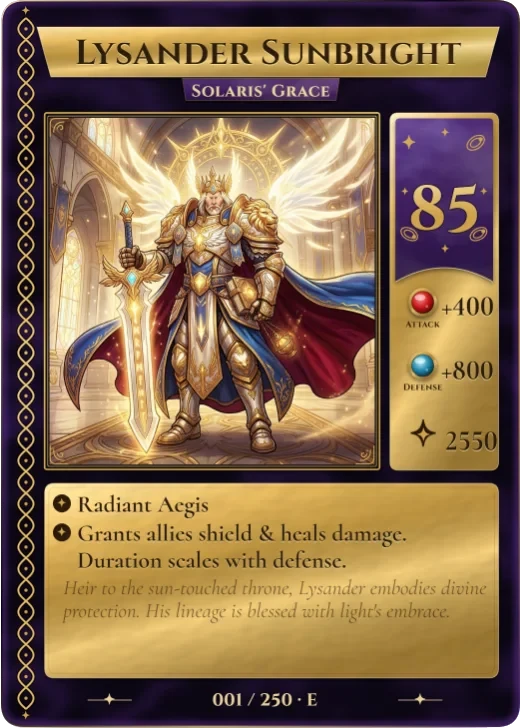
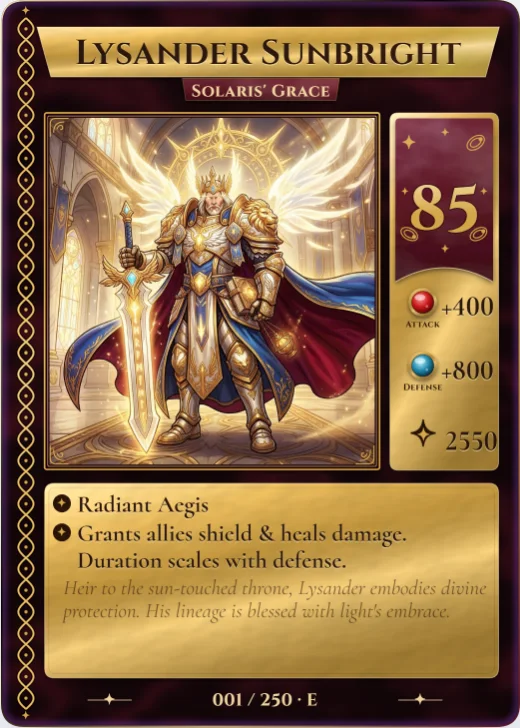

Gilded Spell at a glance
| Style | Fantasy: Gold foil on velvet: a braided border, a cost column with gems, two bullet rules |
|---|---|
| Plan | Pro template |
| Card size | 63 × 88 mm (2.5 × 3.5 in), the standard trading card size |
| Palettes | 5: Amethyst Court, Emerald Court, Crimson Court, Sapphire Silver, Rose Court |
| Matching back | Velvet crest |
| Best for | Spell, item and event cards; Royal and holy characters; Elegant gift and wedding cards |
What is on the card
- Gold foil name banner
- Velvet type tab
- Square art window in a double gold frame
- Cost column with gems and a star
- Bullet-point rules
- Lore in italics
Good for
- Spell, item and event cards
- Royal and holy characters
- Elegant gift and wedding cards
- Gold foil prints
Colours and the back
Gilded Spell comes with 5 palettes: Amethyst Court, Emerald Court, Crimson Court, Sapphire Silver, Rose Court. Pick one in one click, or set the seven colours yourself. A Look changes the palette, frame and lettering together.
Its matching back is Velvet crest, which follows the front's colours and shape. You can choose any other back, and add your set name, a tagline and a logo.
How to use it
- Open it in the editor. The button above starts the editor on Gilded Spell, with a sample card already filled in.
- Make it yours. Change the name, stats and words in the Text panel, add your picture in the Picture panel and pick a palette in Style.
- Download or print it. Make a free account to download a PNG, or with Pro a print PDF with bleed. See printing at home.
Every part of the template is a layer you can move, restyle or hide, so it is a starting point, not a form.
Similar templates
-
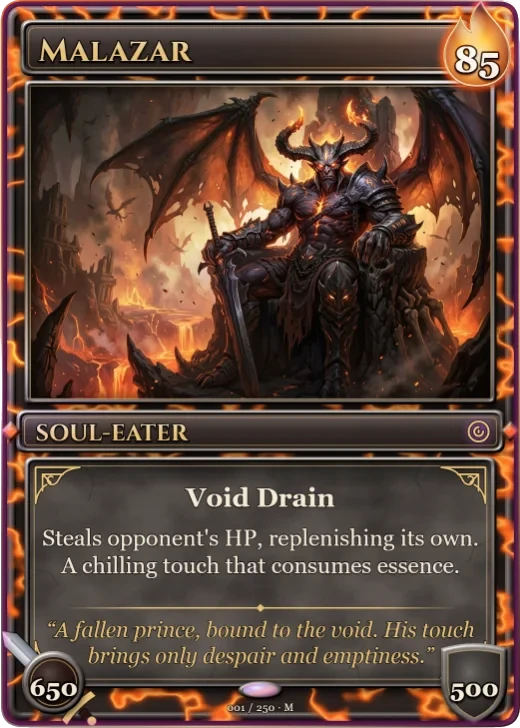 Molten Crown Pro
A dark metal frame with lava veins, a flame cost badge, sword and shield stats and a stone rules panel.
Molten Crown Pro
A dark metal frame with lava veins, a flame cost badge, sword and shield stats and a stone rules panel. -
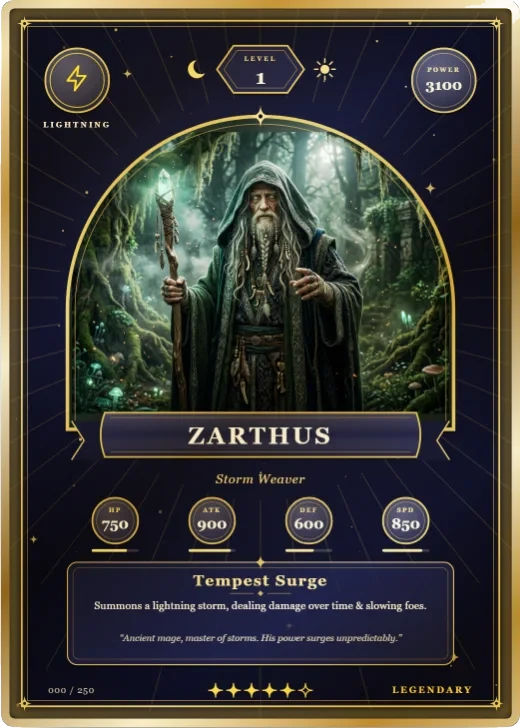 Arcana Tarot Pro
A round-arched window under a numeral cartouche, crescent and sun, gold inlay and moon stat medallions.
Arcana Tarot Pro
A round-arched window under a numeral cartouche, crescent and sun, gold inlay and moon stat medallions. -
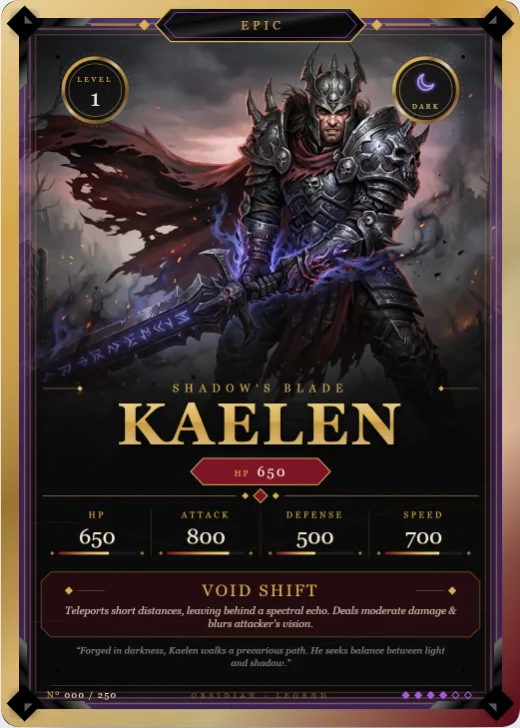 Obsidian Legend Free
Brushed-metal frame, filigree corners and a gold name over full-height art.
Obsidian Legend Free
Brushed-metal frame, filigree corners and a gold name over full-height art.