Free trading card maker
Make your own trading cards, good enough to send to a printer.
Start from one of 19 templates, each drawn by hand. Every piece sits on its own layer, so you can set the type, change the frame or add a holo foil. Stuck for words? The AI will write the card and paint its art. When you're done, save it as a PNG, an SVG, or a PDF with bleed for print.
Your cards stay in this browser. We don't upload them, and the editor keeps working with the internet off.
Nineteen templates, and none of them are recolours
We drew each one from the ground up. They all have their own shape, frame, stat layout and foil. Swap templates whenever you like and your character's details carry over.
-
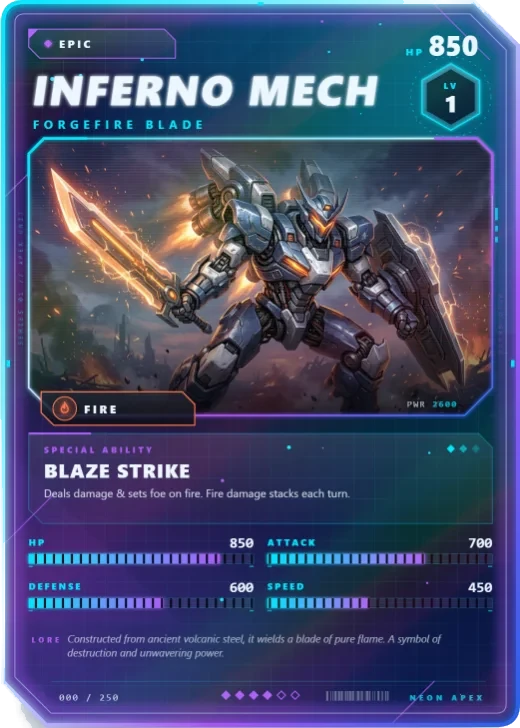
Neon Apex
Glass with clipped corners, an energy grid, rainbow holo
-
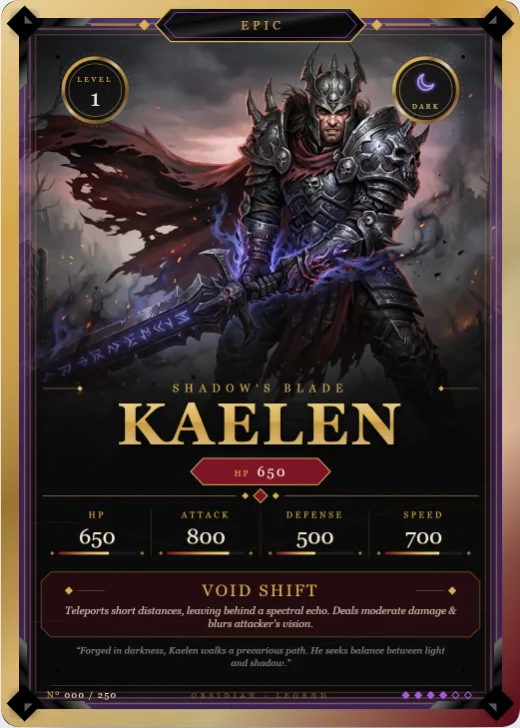
Obsidian Legend
Brushed metal with filigree corners and gold foil
-
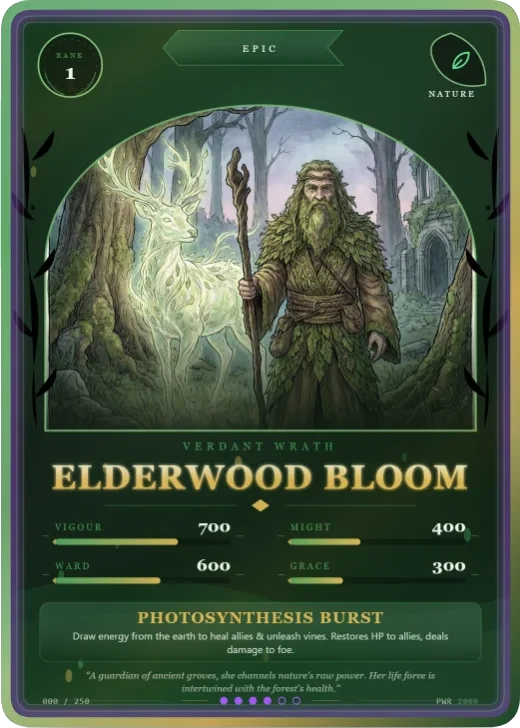
Verdant Rite
An arched window wrapped in vines, rank on a wreath
-
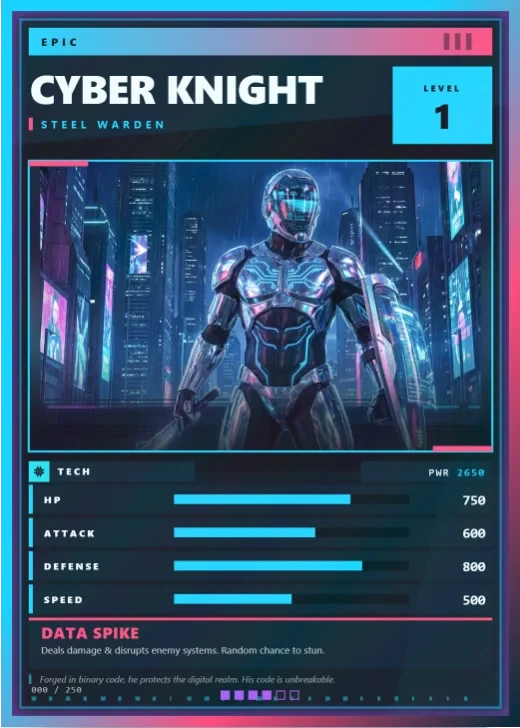
Prism Circuit
Flat colour, hard geometry, square corners, heavy type
-
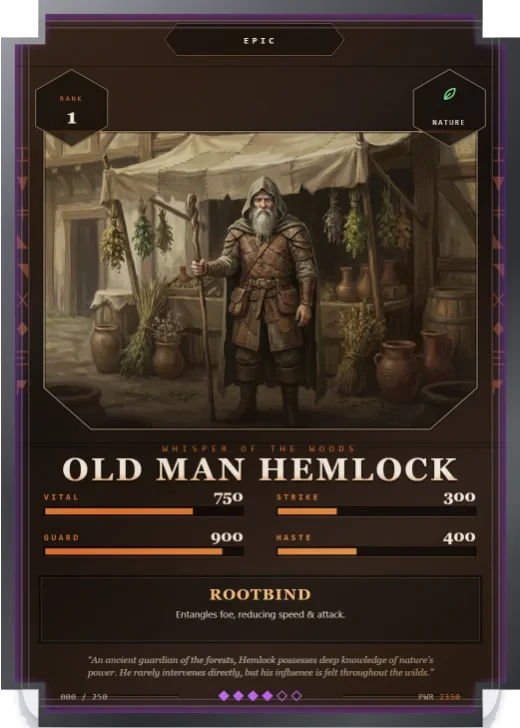
Ashen Rune
A carved stone slab with notched corners and runes
-
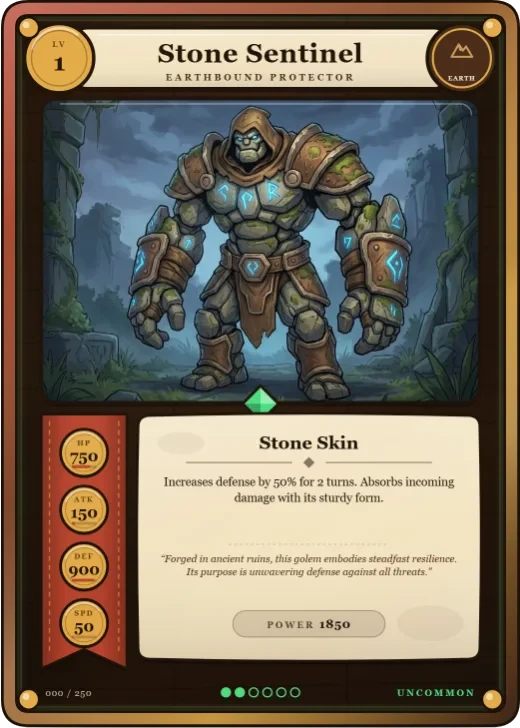
Tavern Tale
Inked by hand on parchment, stats on brass tokens
-
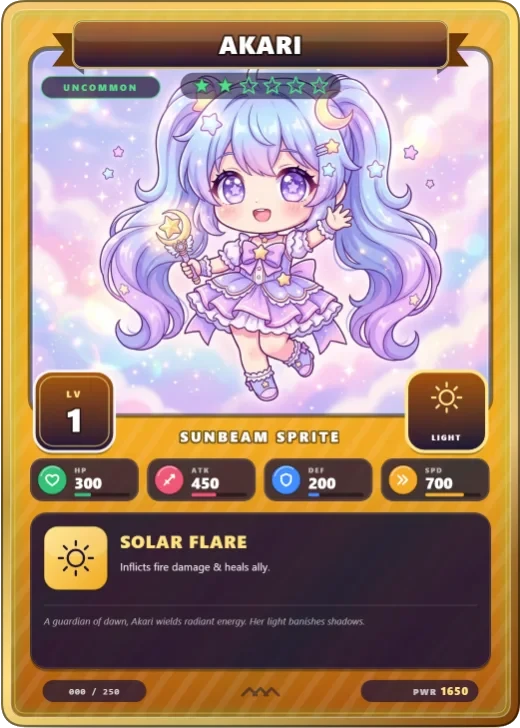
Gacha Pop
Loud colour, star rarity, stats as icons, a skill box
-
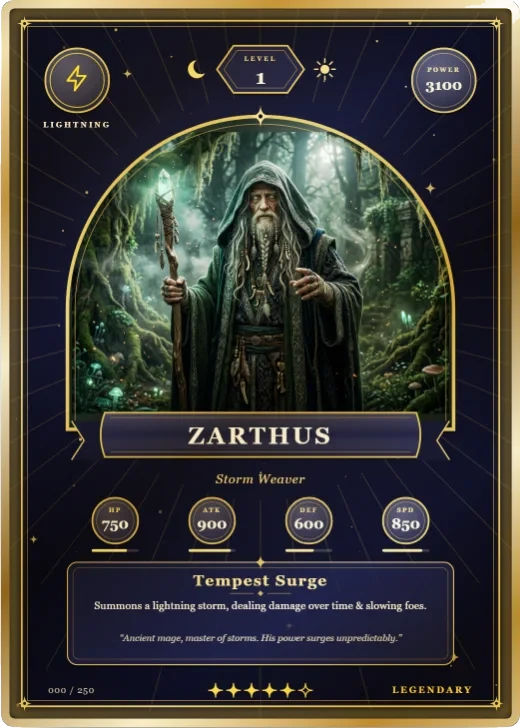
Arcana Tarot
A starry arch with moon medallions for the stats
-
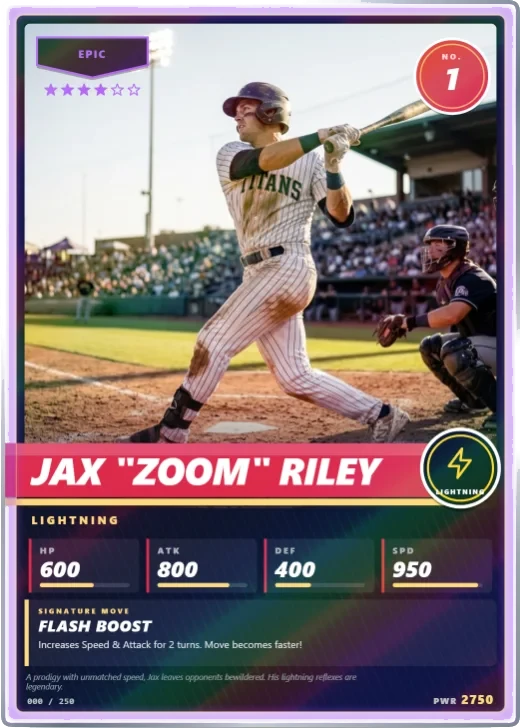
Stadium Star
The classic white border, a name band, a jersey number and refractor foil
-
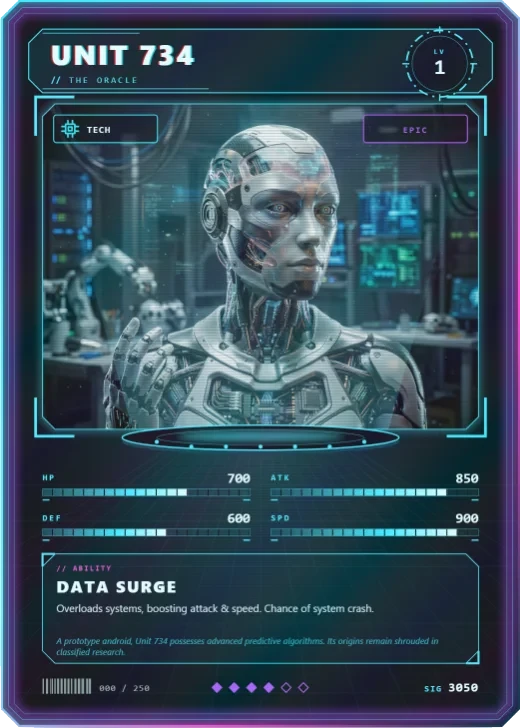
Hologram
A projected figure with scanlines and HUD readouts
-
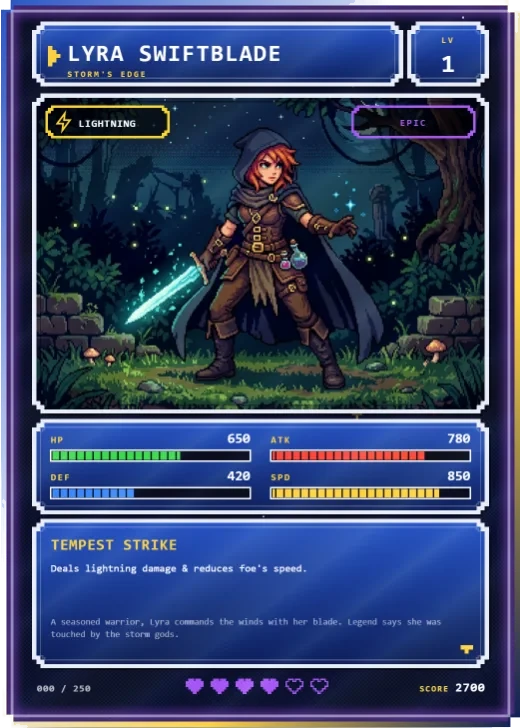
Pixel Quest
Old-school game windows, chunky gauges, hearts
-
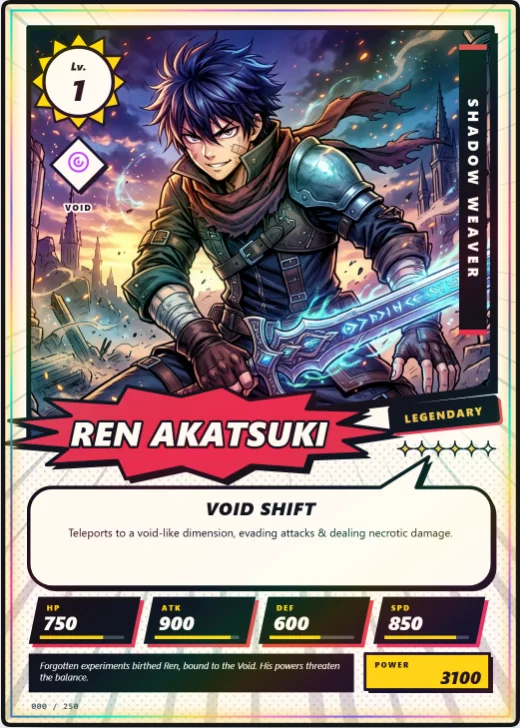
Manga Burst
Ink on paper, speed lines and a speech balloon
-
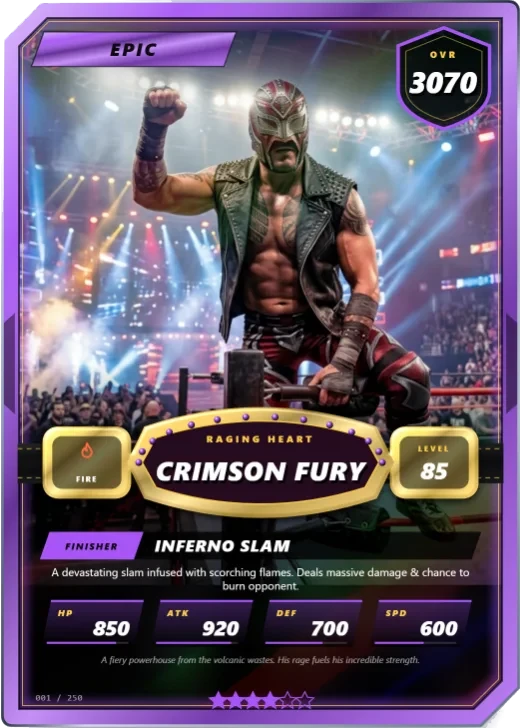
Main Event
Full-bleed arena art, a tier frame and a title belt
-
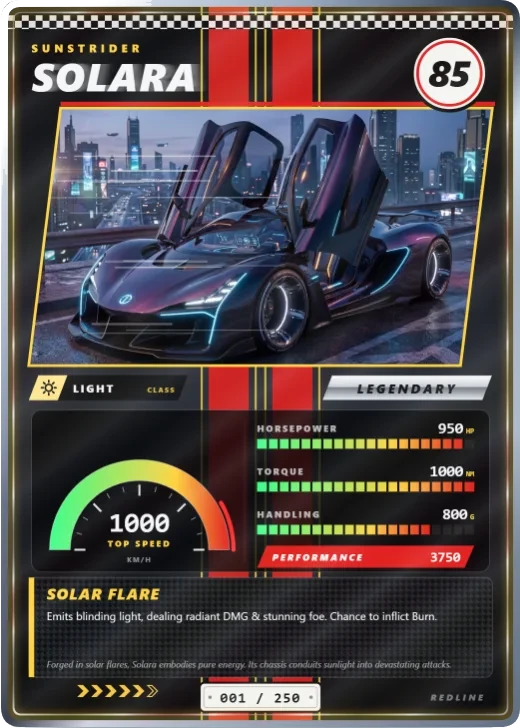
Redline
Racing stripes, a speedometer and a licence plate
-
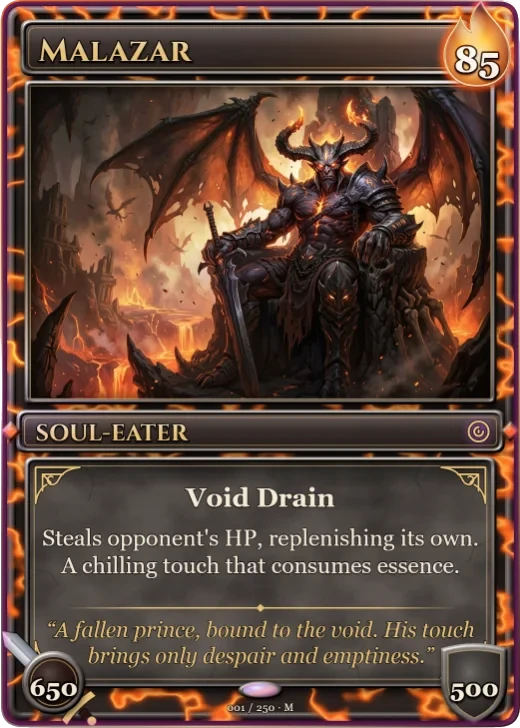
Molten Crown
Lava running through dark metal, a cost flame, sword and shield
-
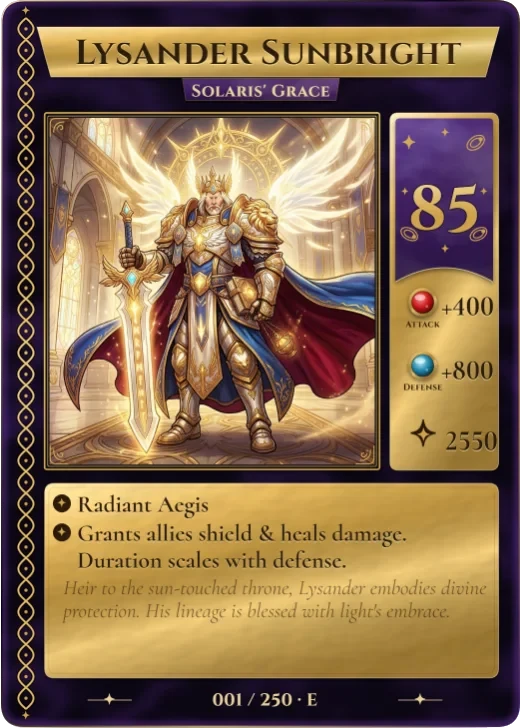
Gilded Spell
Gold foil on velvet, a braided border and a cost column with gems
-
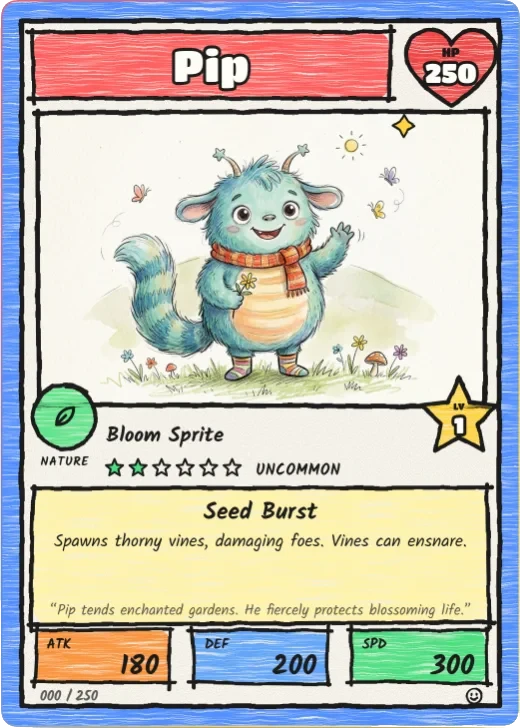
Marker Monster
Marker lines, crayon colours and bubble letters
-
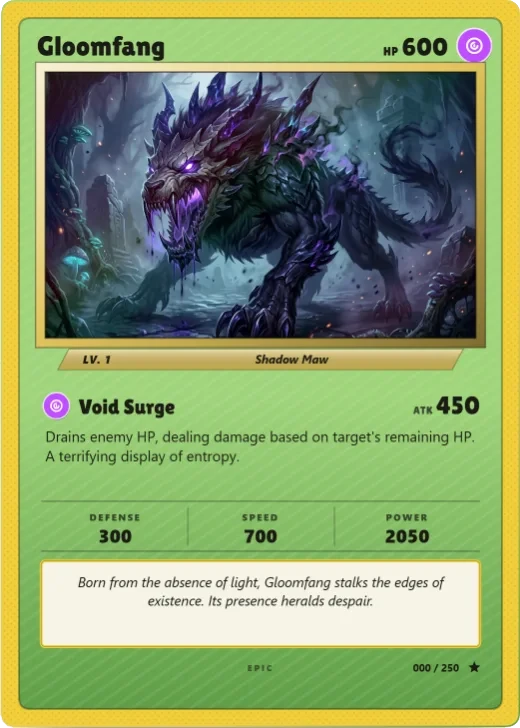
Retro Border '99
The thick printed border of the cards you traded at school
-
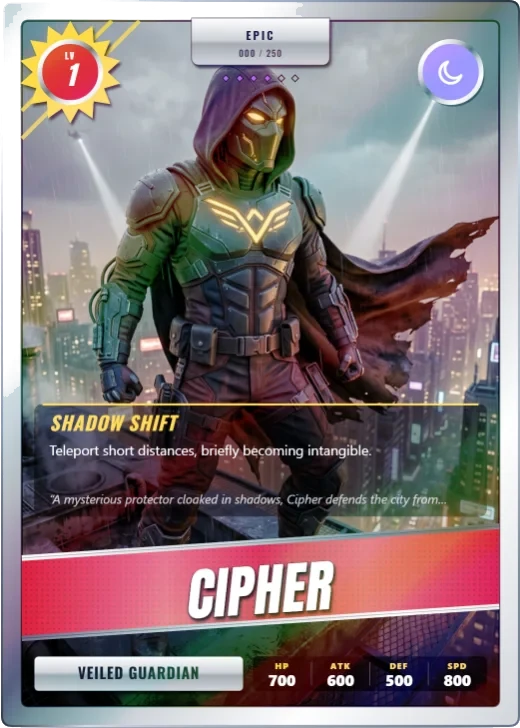
Chromium '97
Chrome, a foil stripe and a refractor sheen
You're not filling in a form
Each part of the card is a layer you can grab. Move it, turn it, give it a new look, or add pieces of your own.
-
Layers
Drag anything on the card. Resize it, spin it, flip it, stack it, lock it or copy it. Edges snap into line, and undo goes all the way back.
-
Proper type
Five open-licence typefaces come built in. Each text layer gets its own size, spacing, gradient, outline, glow and bevel, and words can follow a curve. In an export they stay real text you can select.
-
Frames and backgrounds
Change a corner and the whole card takes that shape, border and all. Pick from ten patterns, light rays, gradient washes and 79 emblems.
-
Artwork
Grade the colours, reshape the window, try a duotone or fade the edges. You can cut out the background too, and let your character climb out over the frame.
-
AI help
Type one line about a character. Back comes a name, an ability, some lore, an element, a rarity, stats and a picture. It's free, and you don't need a key or an account.
-
Fields you invent
Your game needs a mana cost? A jersey number, or a tarot keyword? Add the field, then hook it to a text layer and put that wherever you like.
-
Files a printer will take
Get a 1500 × 2100 PNG or an SVG with everything packed inside. For print there's a 63 × 88 mm PDF with 3 mm of mirrored bleed, crop marks and a correct TrimBox.
-
Your library
Keep as many cards as you want, each with a thumbnail. The card you're working on saves itself as you go, so reloading the page won't lose anything.
Free to start. Pay when you need more.
All the design tools come with every plan. Paying gets you the extra templates, exports and production tools for printing and selling cards. You can cancel any time, and you keep your cards.
Where your cards are kept
The editor itself runs in your browser. Your account and your plan live on this site's own server. In practice:
- Your account holds your email, your name, a picture if you choose one, and a hash of your password. We never store the password.
- Your cards save to this browser while you work. With Pro or Studio we also keep a copy of your library on the server, so you can pick it up on another device. Nobody else can open it, because each request is checked against your account.
- Stripe takes the payments. Your card number goes to them and never comes near us. We only note your plan and its renewal date.
Your account page lets you download everything we hold on you, or delete the account and its cards, whenever you want.
There's no server behind this copy of Wallzy. It's plain HTML, CSS and JavaScript running on your own machine. Your cards, your pictures and your library never leave this browser. So no server can be hacked, and there's no account somewhere to delete.
The flip side is worth spelling out:
- An account here keeps people apart. It doesn't lock the data. Signing up gives you your own library and draft on this device, and the password stops a passer-by. Nothing is encrypted, though. Someone with your computer who knows where to look could still read the database. Your password is only ever stored as a hash.
- Your cards won't show up in another browser or on another computer. There's nothing for them to sync through, so export any you'd hate to lose.
- Only the two AI helpers go online. If your browser has a model built in, they use it and stay on your machine. If not, what you type goes to pollinations.ai, a free service with no account. Nothing else in Wallzy talks to the internet.
Signing up is optional. Everything works without an account.
Questions people ask
Is Wallzy free?
Yes. You can design cards on the Free plan without paying anything, with seven templates and a blank canvas to build from. Downloading your card needs a free account. Pro and Studio add every template, bigger and print-ready files, and tools for whole sets.
Do I have to install anything?
No. Wallzy runs in your browser on a computer, a tablet or a phone. Open the editor and start.
Can I print the cards?
Yes. Every card is made at the standard trading card size, 63 × 88 mm (2.5 × 3.5 inches). Paid plans export a print PDF with 3 mm of bleed and crop marks, and files sized for card printers such as MakePlayingCards and DriveThruCards.
What can I make with it?
Characters for your own card game, a card for each member of an RPG party, sports-style cards of your team, cards of your pets, a class project, or prototype cards for a game you are designing. The batch tools turn a spreadsheet into a whole set.
Can I play my cards online?
Yes. Every plan has a playtest table in the browser. Pro exports your deck to Tabletop Simulator, Tabletop Playground and Screentop.gg, and can keep the deck's pictures online so friends who join your game see them.
Who owns the cards I make?
You do. Use pictures you made or have the rights to. Selling cards commercially needs the Studio plan, which includes a commercial licence.
Go on, make one.
You'll start with a sample card that's already filled in. Edit one word and you've begun.
Open the editor