Fantasy · Free template
Ashen Rune carved stone card template
In short
Ashen Rune is a free fantasy trading card template in Wallzy: a stone slab with notched corners, chiselled panels and rune columns. It prints at the standard 63 × 88 mm, comes with 5 colour palettes and a matching Rune stone back, and every part is a layer you can edit in your browser.
Ashen Rune is a slab of carved stone. The corners are notched, the panels are cut into the face with an inner shadow, rune columns run down both sides and the stats sit in channels chiselled into the surface. The frame uses a stone material rather than metal.
It suits ancient things: golems, guardians, forgotten gods and anything dug out of a ruin.
Free to use. Design without an account; downloading your card needs a free account.
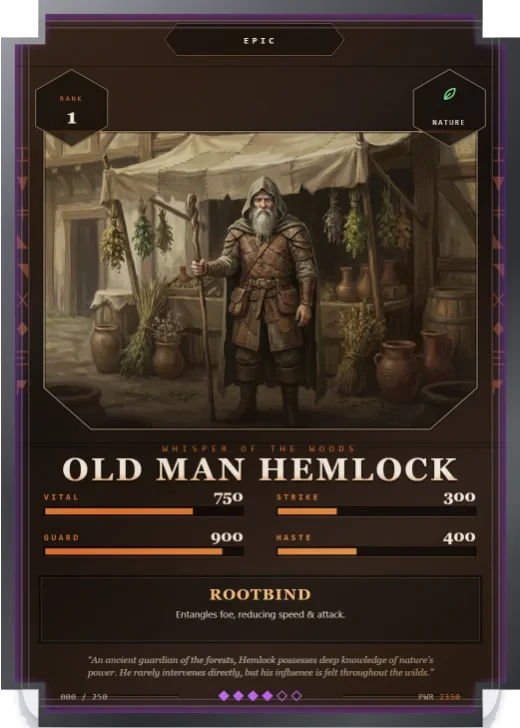
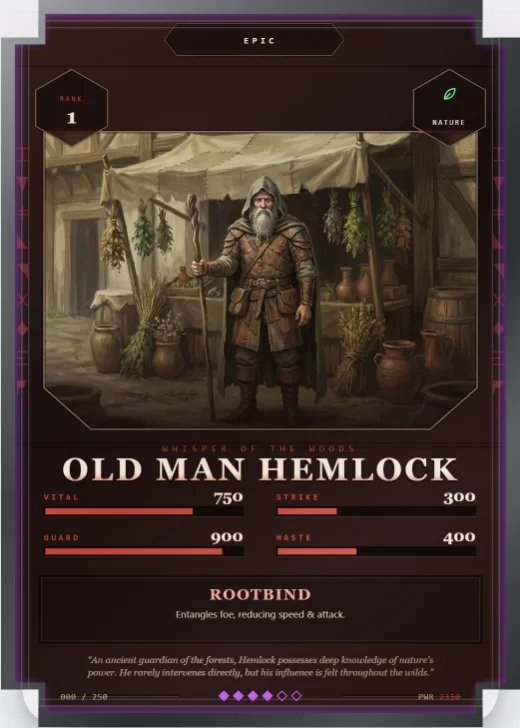
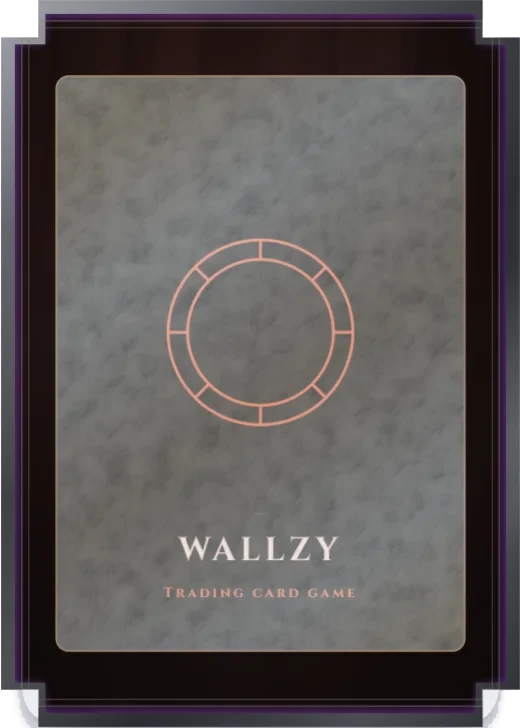
Ashen Rune at a glance
| Style | Fantasy: Carved stone, notched corners |
|---|---|
| Plan | Free template |
| Card size | 63 × 88 mm (2.5 × 3.5 in), the standard trading card size |
| Palettes | 5: Ember Ash, Frost Cairn, Blood Rite, Verdigris, Pale Rune |
| Matching back | Rune stone |
| Best for | Golems, guardians and ancient beings; Dungeon and ruin themed sets; Earth element decks |
What is on the card
- Notched stone silhouette
- Panels carved into the face
- Rune columns down both sides
- Stats in chiselled channels
- Ability, effect and lore
- Stone frame material
Good for
- Golems, guardians and ancient beings
- Dungeon and ruin themed sets
- Earth element decks
- Grim, weathered fantasy
Colours and the back
Ashen Rune comes with 5 palettes: Ember Ash, Frost Cairn, Blood Rite, Verdigris, Pale Rune. Pick one in one click, or set the seven colours yourself. A Look changes the palette, frame and lettering together.
Its matching back is Rune stone, which follows the front's colours and shape. You can choose any other back, and add your set name, a tagline and a logo.
How to use it
- Open it in the editor. The button above starts the editor on Ashen Rune, with a sample card already filled in.
- Make it yours. Change the name, stats and words in the Text panel, add your picture in the Picture panel and pick a palette in Style.
- Download or print it. Make a free account to download a PNG, or with Pro a print PDF with bleed. See printing at home.
Every part of the template is a layer you can move, restyle or hide, so it is a starting point, not a form.
Similar templates
-
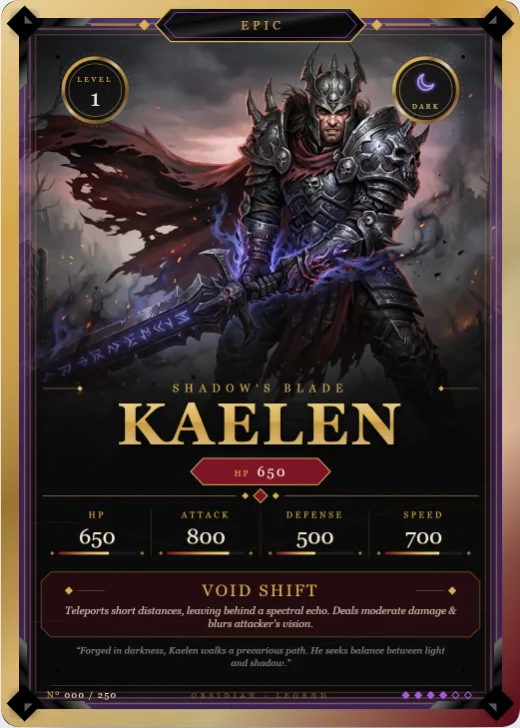 Obsidian Legend Free
Brushed-metal frame, filigree corners and a gold name over full-height art.
Obsidian Legend Free
Brushed-metal frame, filigree corners and a gold name over full-height art. -
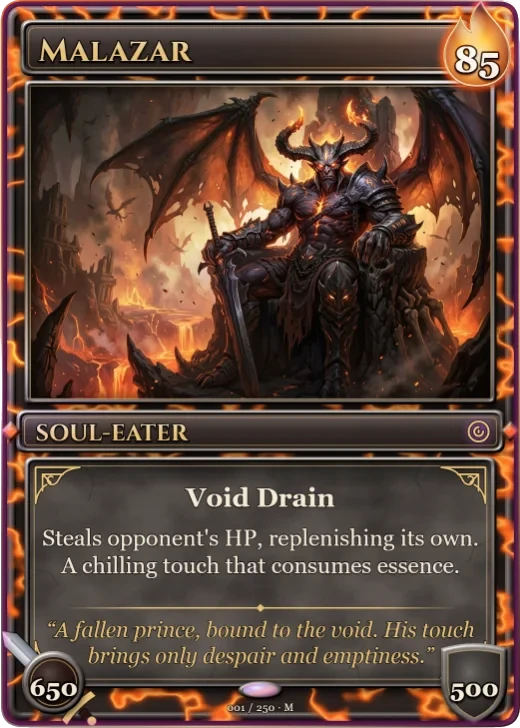 Molten Crown Pro
A dark metal frame with lava veins, a flame cost badge, sword and shield stats and a stone rules panel.
Molten Crown Pro
A dark metal frame with lava veins, a flame cost badge, sword and shield stats and a stone rules panel. -
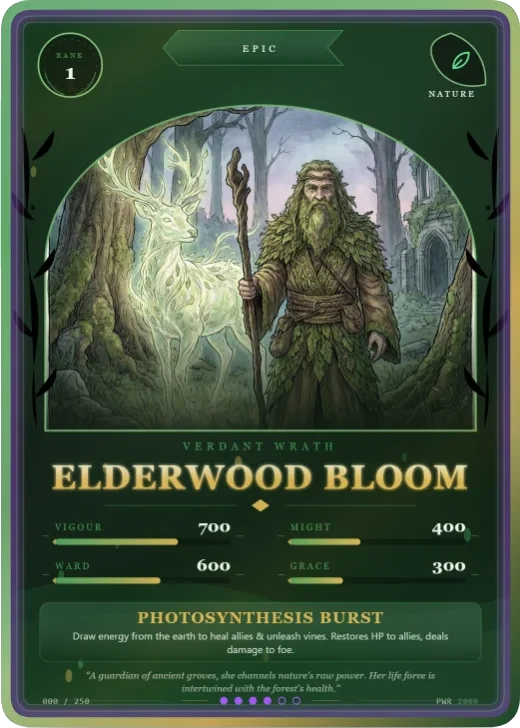 Verdant Rite Free
An arched art window wrapped in vines, a wreath medallion and a ribbon banner.
Verdant Rite Free
An arched art window wrapped in vines, a wreath medallion and a ribbon banner.