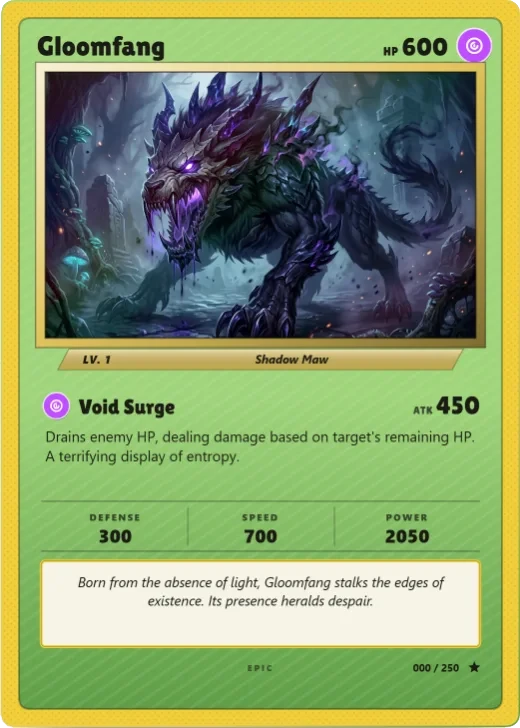
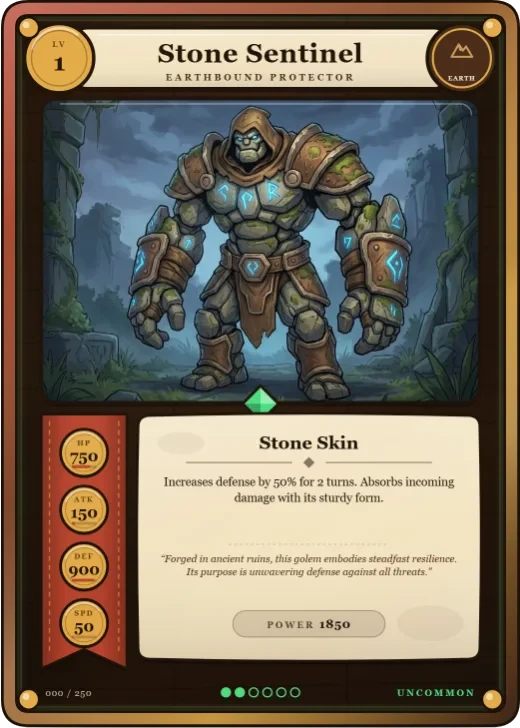
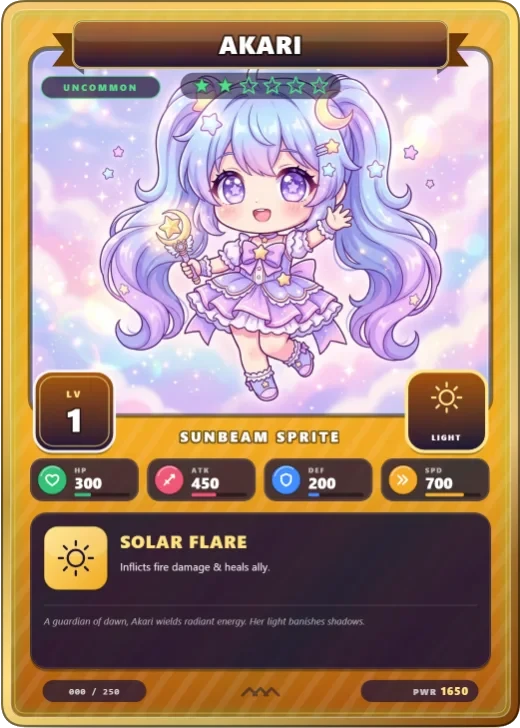
Hand-made · Pro template
Marker Monster crayon card template
In short
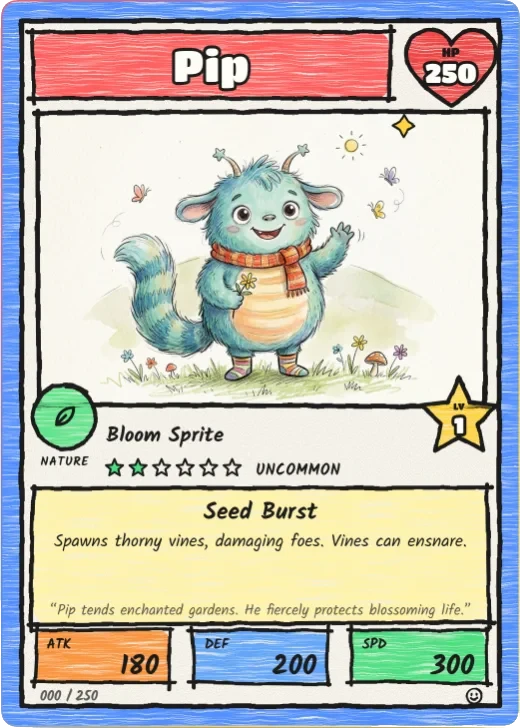
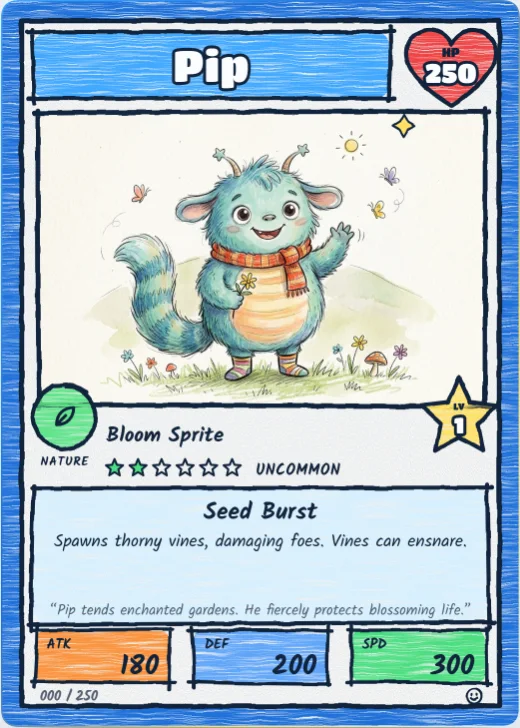
Marker Monster is a Pro hand-made trading card template in Wallzy: a crayon border, wobbly ink, bubble-letter name, a heart for HP and a star for level. It prints at the standard 63 × 88 mm, comes with 5 colour palettes and a matching Crayon doodle back, and every part is a layer you can edit in your browser.
Marker Monster looks like a kid drew it with markers and crayons. A crayon border, thick wobbly ink, the name in bubble letters on a crayon box, HP inside a heart and the level on a star. The stats sit in boxes of fixed crayon colours.
The wobble is a filter on the shapes, never on the words, so the text always stays clean and readable.
Included in the Pro and Studio plans. On the Free plan the editor shows it, and picking it offers the upgrade.

Marker Monster at a glance
| Style | Hand-made: Thick marker lines, crayon colours and bubble letters |
|---|---|
| Plan | Pro template |
| Card size | 63 × 88 mm (2.5 × 3.5 in), the standard trading card size |
| Palettes | 5: Crayon Box, Jungle, Deep Sea, Spooky, Bubblegum |
| Matching back | Crayon doodle |
| Best for | Cards made with or for young kids; Turning a child's drawing into a real card; Party games and family nights |
What is on the card
- Crayon border
- Bubble-letter name
- HP in a heart, level on a star
- Stat boxes in crayon colours
- Rules in a handwriting font
- Wobbly hand-drawn outlines
Good for
- Cards made with or for young kids
- Turning a child's drawing into a real card
- Party games and family nights
- Teachers and classrooms
Colours and the back
Marker Monster comes with 5 palettes: Crayon Box, Jungle, Deep Sea, Spooky, Bubblegum. Pick one in one click, or set the seven colours yourself. A Look changes the palette, frame and lettering together.
Its matching back is Crayon doodle, which follows the front's colours and shape. You can choose any other back, and add your set name, a tagline and a logo.
How to use it
- Open it in the editor. The button above starts the editor on Marker Monster, with a sample card already filled in.
- Make it yours. Change the name, stats and words in the Text panel, add your picture in the Picture panel and pick a palette in Style.
- Download or print it. Make a free account to download a PNG, or with Pro a print PDF with bleed. See printing at home.
Every part of the template is a layer you can move, restyle or hide, so it is a starting point, not a form.