Fantasy · Free template
Tavern Tale hand-drawn fantasy card template
In short
Tavern Tale is a free fantasy trading card template in Wallzy: Ink outlines, a parchment name plank, brass stat tokens and coin badges. It prints at the standard 63 × 88 mm, comes with 5 colour palettes and a matching Parchment compass back, and every part is a layer you can edit in your browser.
Tavern Tale has the warm, hand-drawn look of a casual card game. Every shape carries a dark ink outline. The name sits on a parchment plank between a level coin and an element coin, the stats are brass tokens pinned to a hanging ribbon, and the text sits on a parchment panel with slightly uneven edges.
It is friendly rather than grim, which makes it a good fit for adventurers, tavern regulars, pets with swords and family games.
Free to use. Design without an account; downloading your card needs a free account.
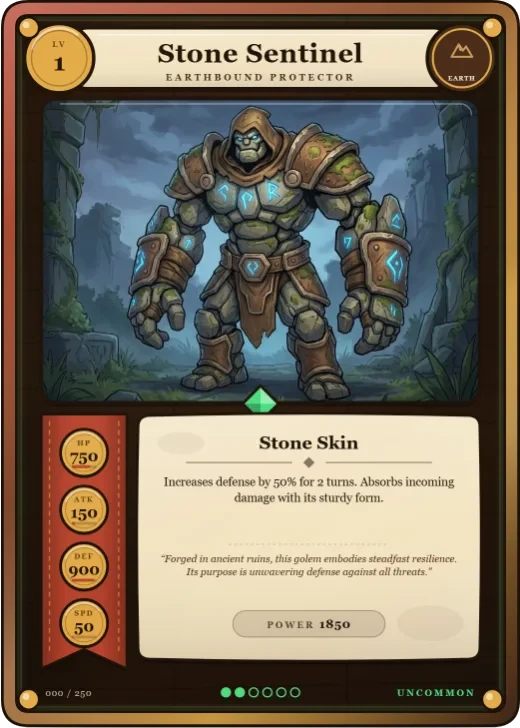
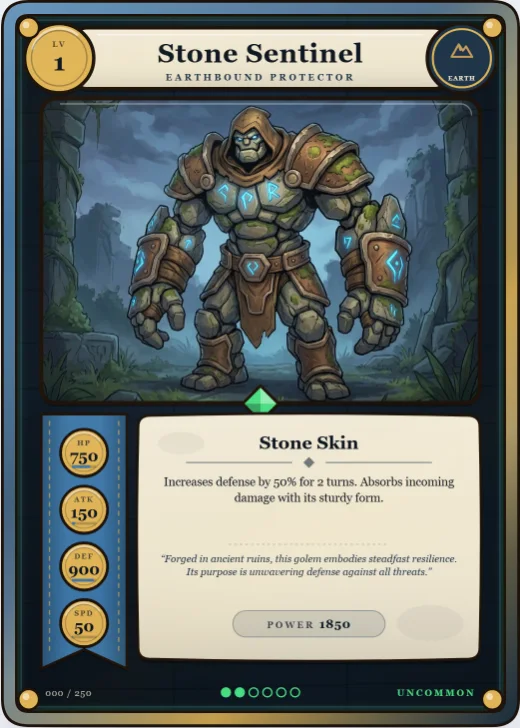

Tavern Tale at a glance
| Style | Fantasy: Ink outlines, parchment, stat tokens |
|---|---|
| Plan | Free template |
| Card size | 63 × 88 mm (2.5 × 3.5 in), the standard trading card size |
| Palettes | 5: Hearth Red, Oak & Brass, Sea Chart, Moss Inn, Dusk Plum |
| Matching back | Parchment compass |
| Best for | Fantasy RPG party and NPC cards; Casual and family card games; Cards for kids and classrooms |
What is on the card
- Name on a parchment plank
- Level and element on brass coins
- Stats as brass tokens on a ribbon
- Parchment text panel
- Brass knobs at the corners
- Ink outlines on every shape
Good for
- Fantasy RPG party and NPC cards
- Casual and family card games
- Cards for kids and classrooms
- Pet and animal adventurers
Colours and the back
Tavern Tale comes with 5 palettes: Hearth Red, Oak & Brass, Sea Chart, Moss Inn, Dusk Plum. Pick one in one click, or set the seven colours yourself. A Look changes the palette, frame and lettering together.
Its matching back is Parchment compass, which follows the front's colours and shape. You can choose any other back, and add your set name, a tagline and a logo.
How to use it
- Open it in the editor. The button above starts the editor on Tavern Tale, with a sample card already filled in.
- Make it yours. Change the name, stats and words in the Text panel, add your picture in the Picture panel and pick a palette in Style.
- Download or print it. Make a free account to download a PNG, or with Pro a print PDF with bleed. See printing at home.
Every part of the template is a layer you can move, restyle or hide, so it is a starting point, not a form.
Similar templates
-
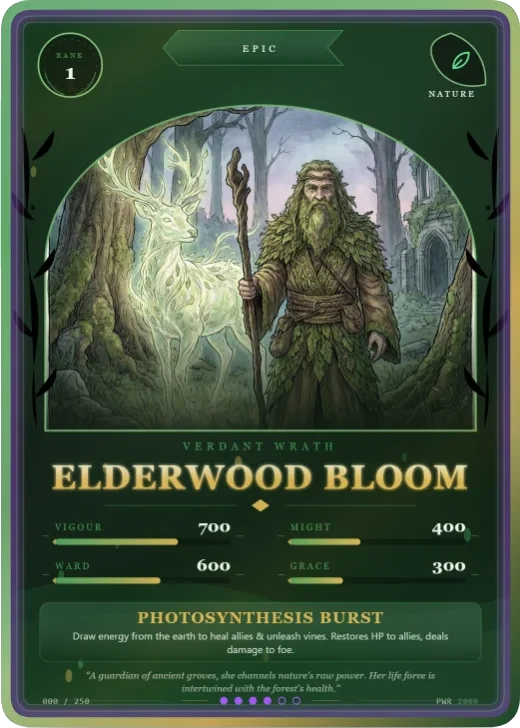 Verdant Rite Free
An arched art window wrapped in vines, a wreath medallion and a ribbon banner.
Verdant Rite Free
An arched art window wrapped in vines, a wreath medallion and a ribbon banner. -
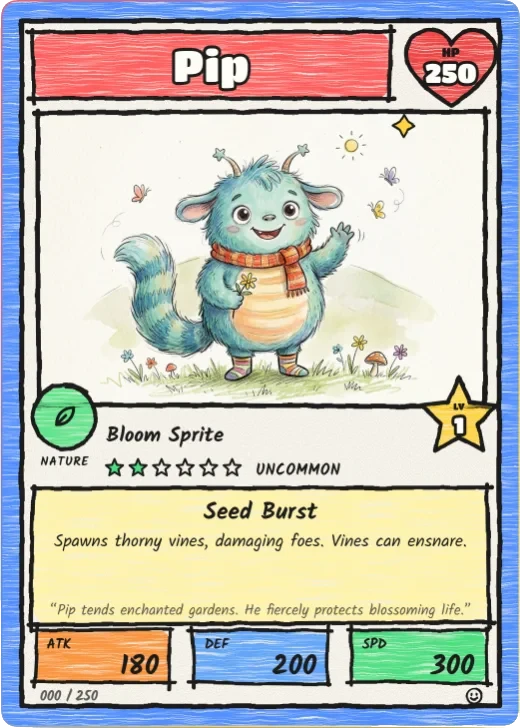 Marker Monster Pro
A crayon border, wobbly ink, bubble-letter name, a heart for HP and a star for level.
Marker Monster Pro
A crayon border, wobbly ink, bubble-letter name, a heart for HP and a star for level. -
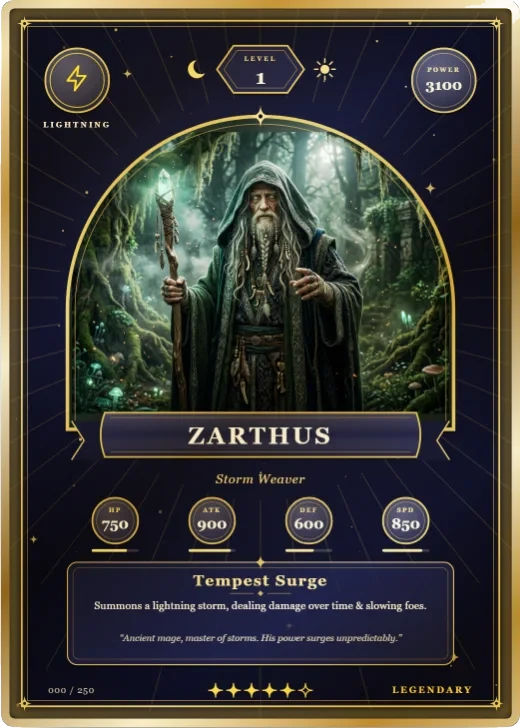 Arcana Tarot Pro
A round-arched window under a numeral cartouche, crescent and sun, gold inlay and moon stat medallions.
Arcana Tarot Pro
A round-arched window under a numeral cartouche, crescent and sun, gold inlay and moon stat medallions.