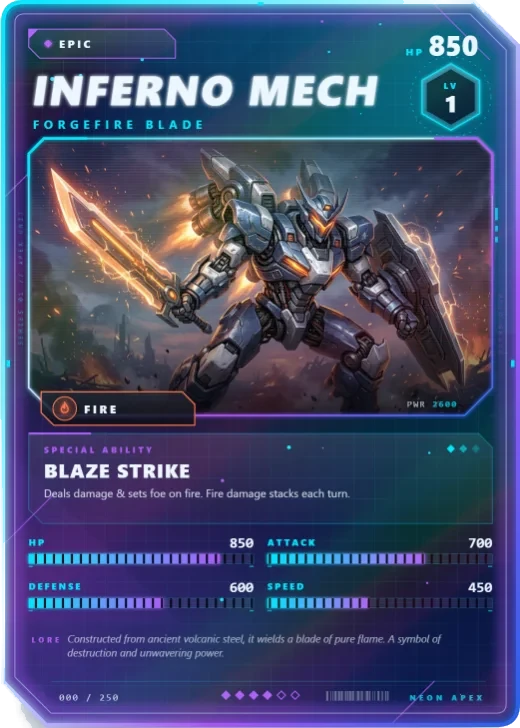
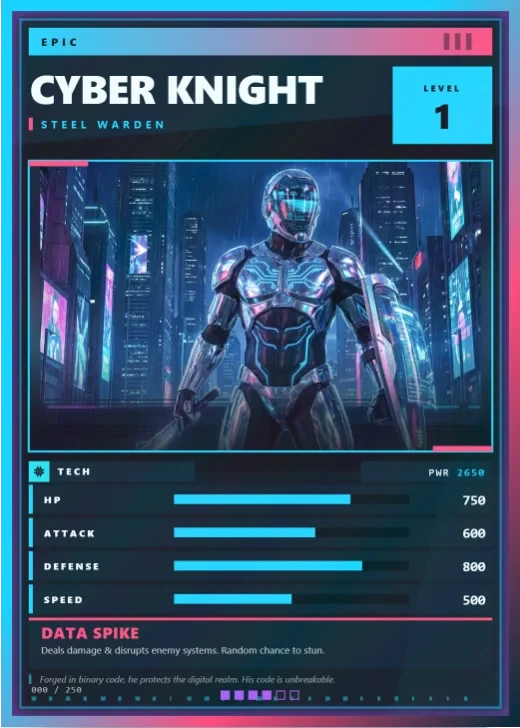
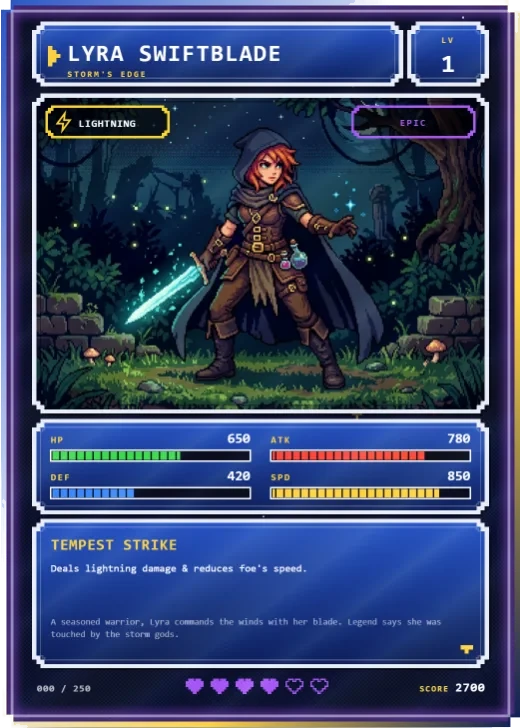
Modern and sci-fi · Pro template
Hologram sci-fi card template
In short
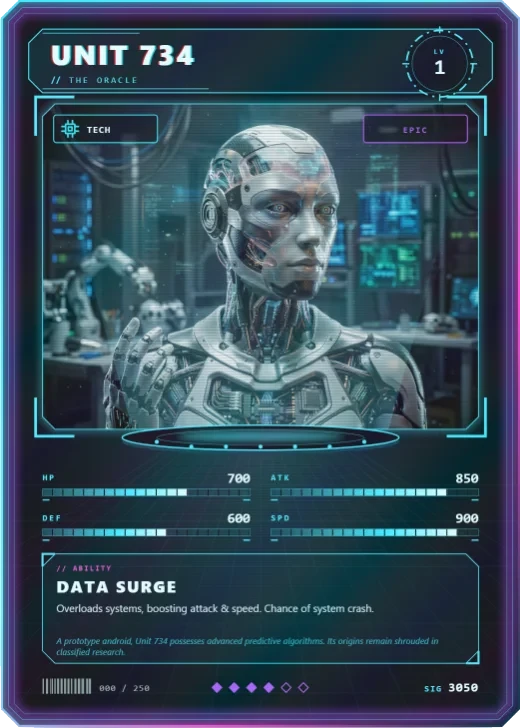
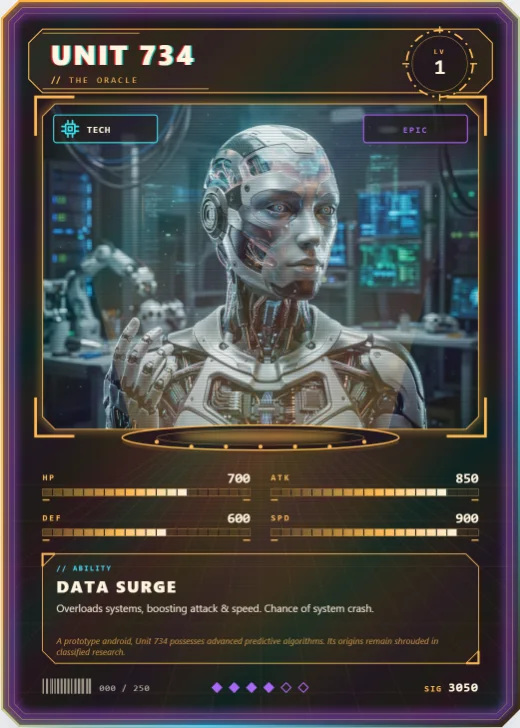
Hologram is a Pro modern and sci-fi trading card template in Wallzy: The character stands in a light cone over a projector base, framed by HUD brackets and scanlines. It prints at the standard 63 × 88 mm, comes with 5 colour palettes and a matching Projection back, and every part is a layer you can edit in your browser.
Hologram is a projection, not a panel. The picture stands in a light cone rising from a projector base, HUD brackets frame the window, scanlines run through it and a scan bar sweeps down the card. The name splits into colour channels, and the level sits inside a reticle with a spinning ring.
The cone is kept faint so the art keeps its own colours. In an exported picture the scan bar is left out, so prints stay clean.
Included in the Pro and Studio plans. On the Free plan the editor shows it, and picking it offers the upgrade.
Hologram at a glance
| Style | Modern and sci-fi: Projection cone, scanlines, HUD readouts |
|---|---|
| Plan | Pro template |
| Card size | 63 × 88 mm (2.5 × 3.5 in), the standard trading card size |
| Palettes | 5: Cyan Signal, Emerald Uplink, Amber Relay, Violet Phase, Red Alert |
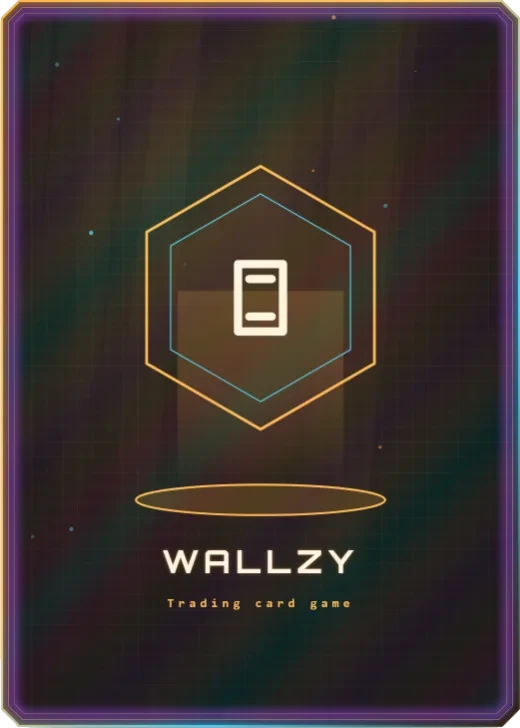
| Matching back | Projection |
| Best for | AI, android and space crew characters; Sci-fi tabletop and video game fan cards; Tech and gadget cards |
What is on the card
- Light cone over a projector base
- HUD brackets around the art
- Scanlines and a sweeping scan bar
- Name with a colour-split effect
- Level in a targeting reticle
- Ability, effect and stats
Good for
- AI, android and space crew characters
- Sci-fi tabletop and video game fan cards
- Tech and gadget cards
- Animated card previews
Colours and the back
Hologram comes with 5 palettes: Cyan Signal, Emerald Uplink, Amber Relay, Violet Phase, Red Alert. Pick one in one click, or set the seven colours yourself. A Look changes the palette, frame and lettering together.
Its matching back is Projection, which follows the front's colours and shape. You can choose any other back, and add your set name, a tagline and a logo.
How to use it
- Open it in the editor. The button above starts the editor on Hologram, with a sample card already filled in.
- Make it yours. Change the name, stats and words in the Text panel, add your picture in the Picture panel and pick a palette in Style.
- Download or print it. Make a free account to download a PNG, or with Pro a print PDF with bleed. See printing at home.
Every part of the template is a layer you can move, restyle or hide, so it is a starting point, not a form.