Modern and sci-fi · Free template
Neon Apex sci-fi trading card template
In short
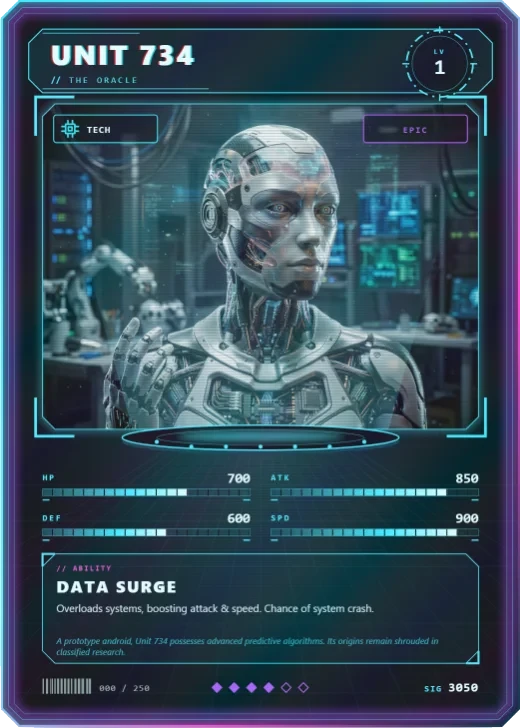
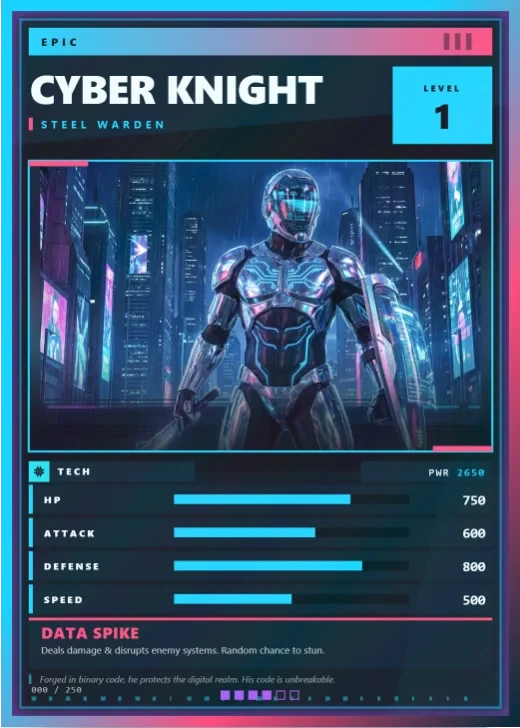
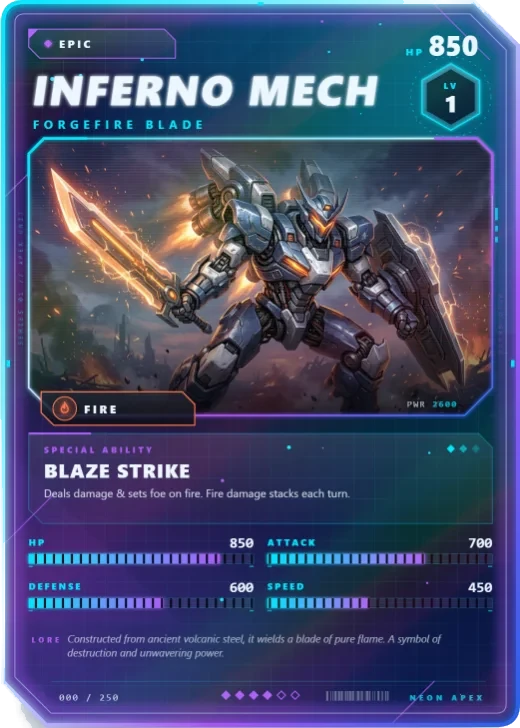
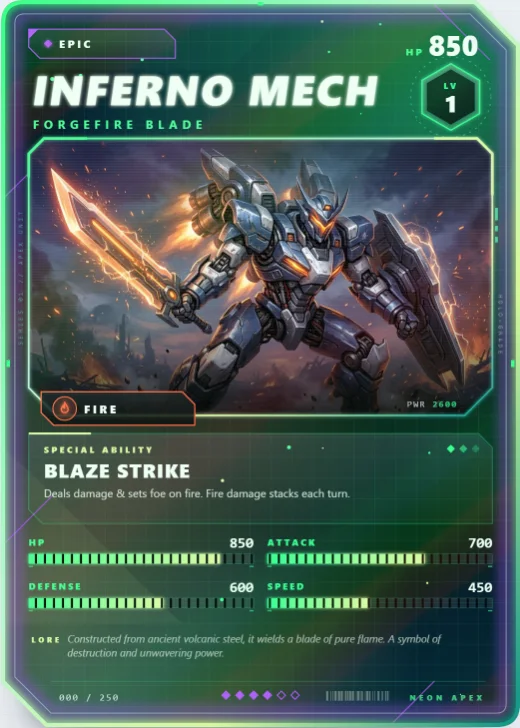
Neon Apex is a free modern and sci-fi trading card template in Wallzy: a cut-corner glass card with an energy grid, a hex level badge and a rainbow holo. It prints at the standard 63 × 88 mm, comes with 5 colour palettes and a matching Neon hex back, and every part is a layer you can edit in your browser.
Neon Apex is a slab of glass with two corners cut away, lit from inside. The name runs in a slanted sans-serif, the level sits in a hexagon, and the four stats are segmented bars that fill like charge meters. Over the top, a rainbow holo sheet catches the light as you tilt the card.
It is the card that greets you in the editor, and it suits anything that lives in a future: pilots, androids, cyber hunters, space monsters.
Free to use. Design without an account; downloading your card needs a free account.
Neon Apex at a glance
| Style | Modern and sci-fi: Holo-energy frame, angular glass panels |
|---|---|
| Plan | Free template |
| Card size | 63 × 88 mm (2.5 × 3.5 in), the standard trading card size |
| Palettes | 5: Cyber Blue, Neon Purple, Toxic Green, Solar Orange, Crimson Energy |
| Matching back | Neon hex |
| Best for | Sci-fi and cyberpunk characters; Mech, robot and alien cards; Esports and gaming team cards |
What is on the card
- Name, title and a hex level badge
- Element badge and rarity marks
- Four segmented stat bars: HP, attack, defense, speed
- An ability with its effect, and a line of lore
- Card number and total power along the foot
- A rainbow holographic layer
Good for
- Sci-fi and cyberpunk characters
- Mech, robot and alien cards
- Esports and gaming team cards
- A first card while you learn the editor
Colours and the back
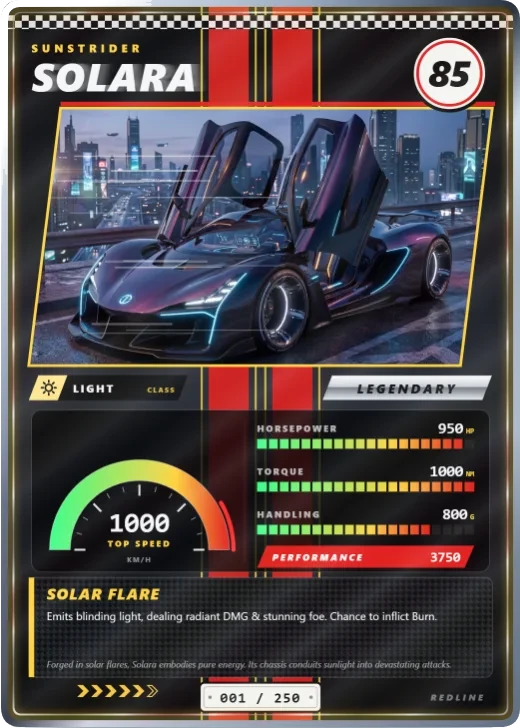
Neon Apex comes with 5 palettes: Cyber Blue, Neon Purple, Toxic Green, Solar Orange, Crimson Energy. Pick one in one click, or set the seven colours yourself. A Look changes the palette, frame and lettering together.
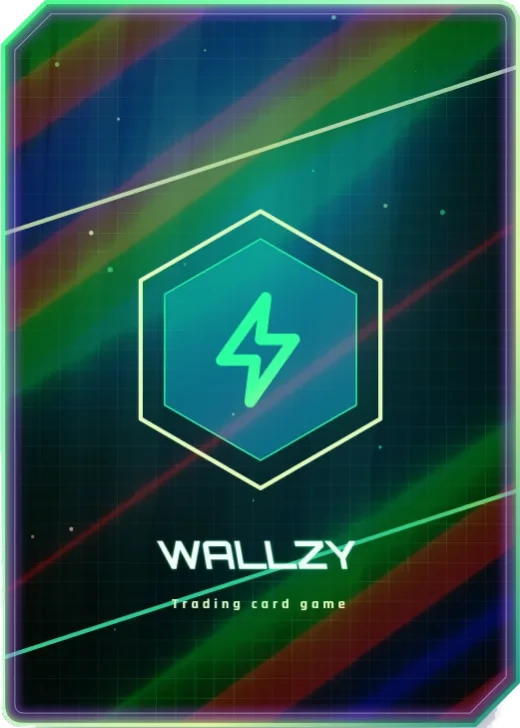
Its matching back is Neon hex, which follows the front's colours and shape. You can choose any other back, and add your set name, a tagline and a logo.
How to use it
- Open it in the editor. The button above starts the editor on Neon Apex, with a sample card already filled in.
- Make it yours. Change the name, stats and words in the Text panel, add your picture in the Picture panel and pick a palette in Style.
- Download or print it. Make a free account to download a PNG, or with Pro a print PDF with bleed. See printing at home.
Every part of the template is a layer you can move, restyle or hide, so it is a starting point, not a form.