Modern and sci-fi · Free template
Prism Circuit flat modern card template
In short
Prism Circuit is a free modern and sci-fi trading card template in Wallzy: Square corners, solid colour blocks and an oversized name. It prints at the standard 63 × 88 mm, comes with 5 colour palettes and a matching Prism blocks back, and every part is a layer you can edit in your browser.
Prism Circuit is flat where the other templates glow. Square corners, solid blocks of colour, an oversized name set flush left and blunt full-width stat rows. Its holo is a third of the strength of the others on purpose, because a flat design should not sit under a rainbow wash.
It reads cleanly at a distance and prints well on matte card, so it works as much for information cards as for characters.
Free to use. Design without an account; downloading your card needs a free account.
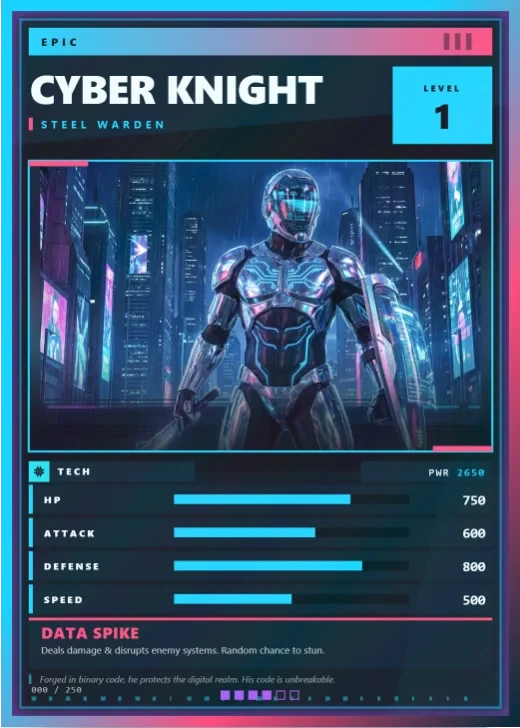
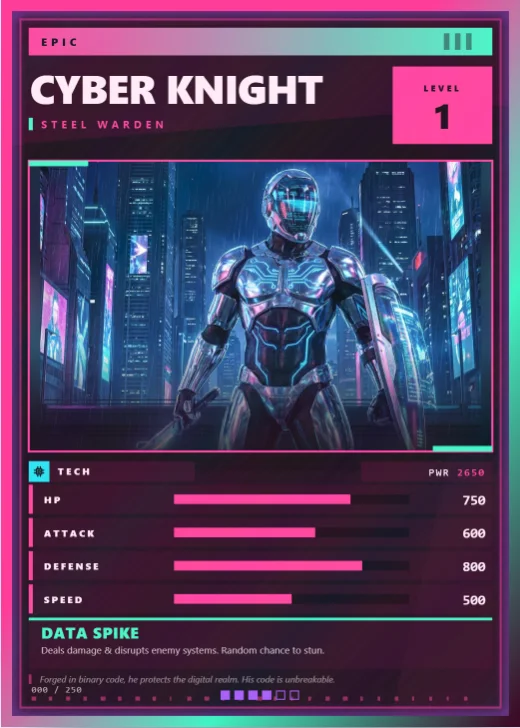
Prism Circuit at a glance
| Style | Modern and sci-fi: Flat colour blocks, square corners |
|---|---|
| Plan | Free template |
| Card size | 63 × 88 mm (2.5 × 3.5 in), the standard trading card size |
| Palettes | 5: Hard Cyan, Signal Yellow, Hot Magenta, Acid Lime, Deep Violet |
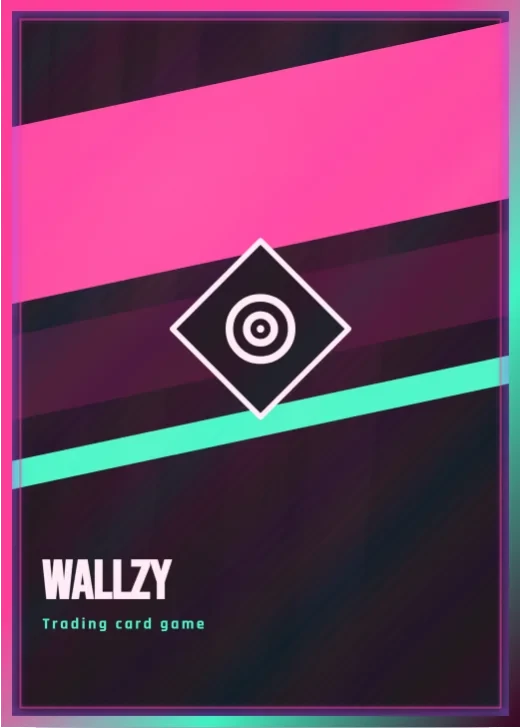
| Matching back | Prism blocks |
| Best for | Minimal and modern designs; Game prototypes that need to read fast; Team, staff or classroom cards |
What is on the card
- Oversized left-aligned name
- Solid colour blocks instead of frames
- Full-width stat rows
- Element and rarity in flat badges
- Ability, effect and lore
- A subtle holo
Good for
- Minimal and modern designs
- Game prototypes that need to read fast
- Team, staff or classroom cards
- Cards that print on matte stock
Colours and the back
Prism Circuit comes with 5 palettes: Hard Cyan, Signal Yellow, Hot Magenta, Acid Lime, Deep Violet. Pick one in one click, or set the seven colours yourself. A Look changes the palette, frame and lettering together.
Its matching back is Prism blocks, which follows the front's colours and shape. You can choose any other back, and add your set name, a tagline and a logo.
How to use it
- Open it in the editor. The button above starts the editor on Prism Circuit, with a sample card already filled in.
- Make it yours. Change the name, stats and words in the Text panel, add your picture in the Picture panel and pick a palette in Style.
- Download or print it. Make a free account to download a PNG, or with Pro a print PDF with bleed. See printing at home.
Every part of the template is a layer you can move, restyle or hide, so it is a starting point, not a form.
Similar templates
-
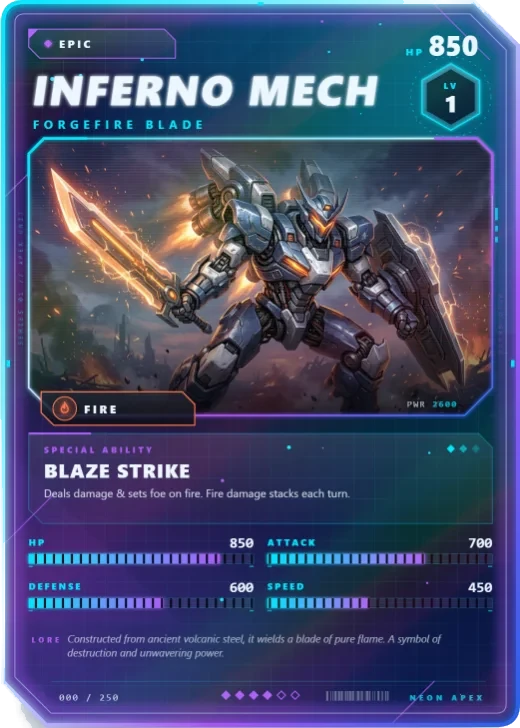 Neon Apex Free
A cut-corner glass card with an energy grid, a hex level badge and a rainbow holo.
Neon Apex Free
A cut-corner glass card with an energy grid, a hex level badge and a rainbow holo. -
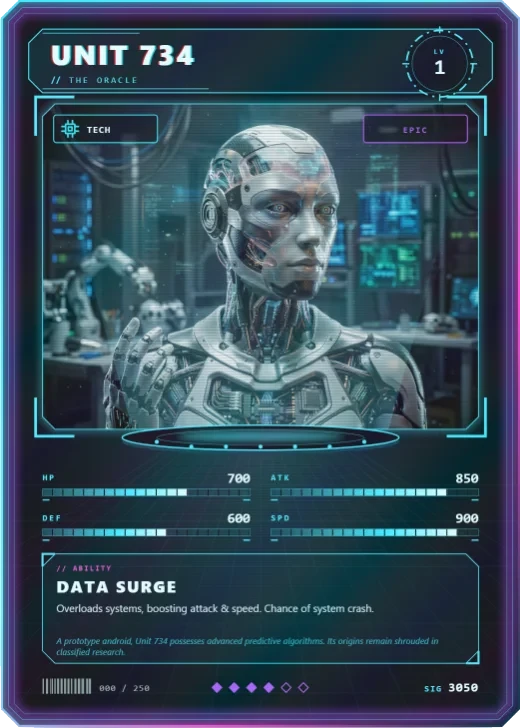 Hologram Pro
The character stands in a light cone over a projector base, framed by HUD brackets and scanlines.
Hologram Pro
The character stands in a light cone over a projector base, framed by HUD brackets and scanlines. -
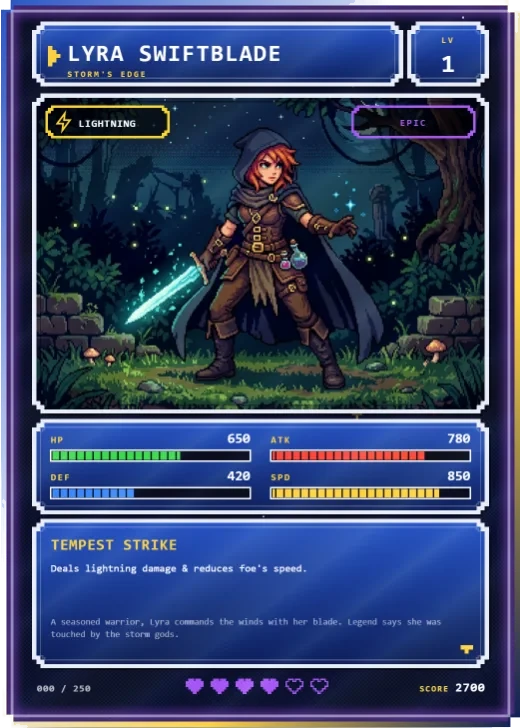 Pixel Quest Pro
A 16-bit RPG screen: pixel windows, segmented gauges, heart rarity and a dialogue box.
Pixel Quest Pro
A 16-bit RPG screen: pixel windows, segmented gauges, heart rarity and a dialogue box.