Pop, sports and anime · Pro template
Manga Burst anime trading card template
In short
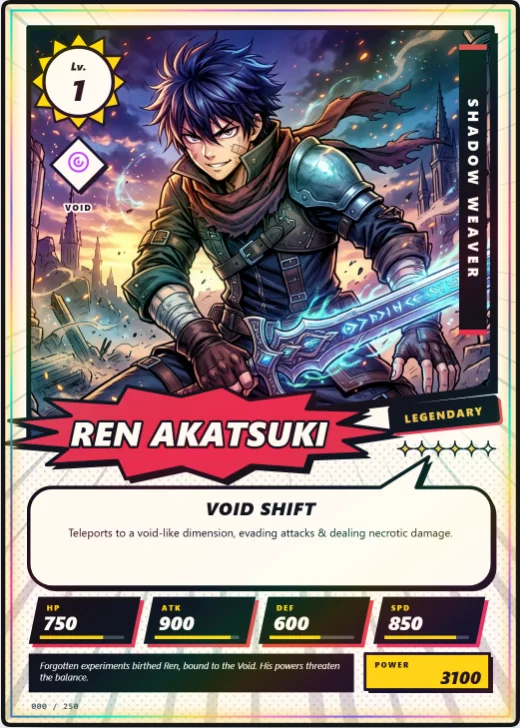
Manga Burst is a Pro pop, sports and anime trading card template in Wallzy: a manga page panel with speed lines, a shouted name burst, a speech balloon and screentone. It prints at the standard 63 × 88 mm, comes with 5 colour palettes and a matching Speed burst back, and every part is a layer you can edit in your browser.
Manga Burst is a page from a manga. The art sits in a panel with a slanted foot and a hard ink shadow, speed lines fan out behind it, and the name is shouted inside a jagged burst. The title runs down a vertical ink strip, the ability sits in a speech balloon, and the lore is a black narration caption.
It is the one light card among the templates: paper white with black ink. One palette prints it in reverse for a night version.
Included in the Pro and Studio plans. On the Free plan the editor shows it, and picking it offers the upgrade.

Manga Burst at a glance
| Style | Pop, sports and anime: Paper and ink, speed lines, speech balloon |
|---|---|
| Plan | Pro template |
| Card size | 63 × 88 mm (2.5 × 3.5 in), the standard trading card size |
| Palettes | 5: Shonen Red, Sakura, Sky Battle, Matcha, Midnight Ink |
| Matching back | Speed burst |
| Best for | Anime and manga characters; Original comic and webtoon casts; Fan art collections |
What is on the card
- Panel with a hard ink shadow
- Speed lines behind the art
- Name in a jagged shout burst
- Title in a vertical ink strip
- Ability in a speech balloon
- Slanted stat chips and screentone
Good for
- Anime and manga characters
- Original comic and webtoon casts
- Fan art collections
- Black and white printing
Colours and the back
Manga Burst comes with 5 palettes: Shonen Red, Sakura, Sky Battle, Matcha, Midnight Ink. Pick one in one click, or set the seven colours yourself. A Look changes the palette, frame and lettering together.
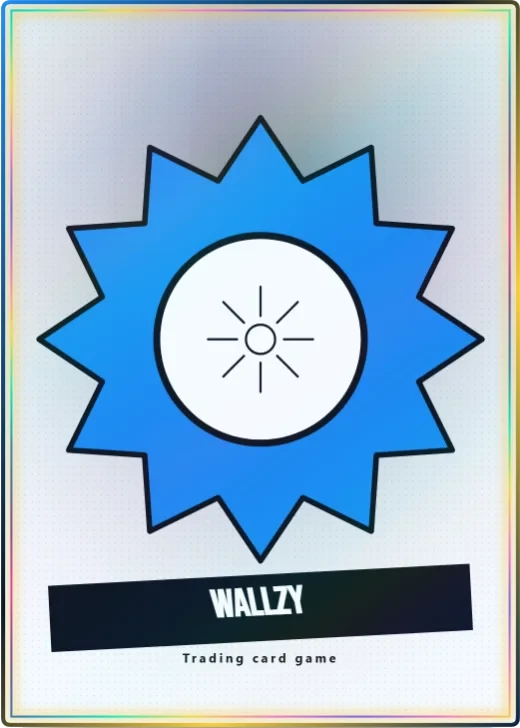
Its matching back is Speed burst, which follows the front's colours and shape. You can choose any other back, and add your set name, a tagline and a logo.
How to use it
- Open it in the editor. The button above starts the editor on Manga Burst, with a sample card already filled in.
- Make it yours. Change the name, stats and words in the Text panel, add your picture in the Picture panel and pick a palette in Style.
- Download or print it. Make a free account to download a PNG, or with Pro a print PDF with bleed. See printing at home.
Every part of the template is a layer you can move, restyle or hide, so it is a starting point, not a form.
Similar templates
-
 Gacha Pop Free
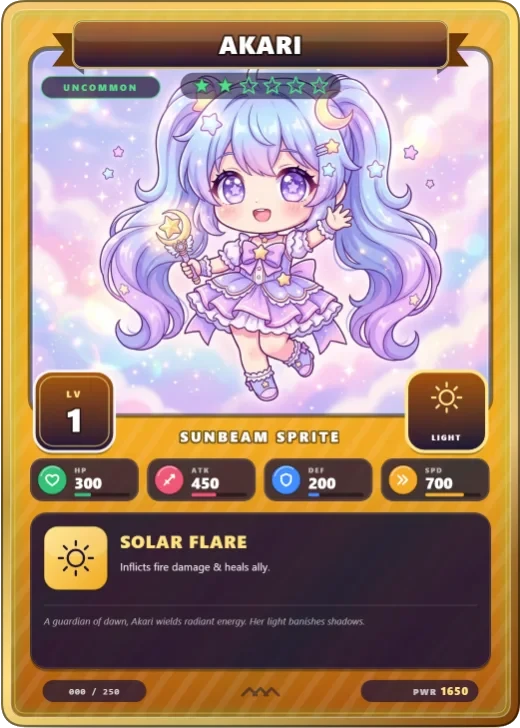
Bright body colour, a name ribbon, star rarity and stat chips.
Gacha Pop Free
Bright body colour, a name ribbon, star rarity and stat chips. -
 Marker Monster Pro
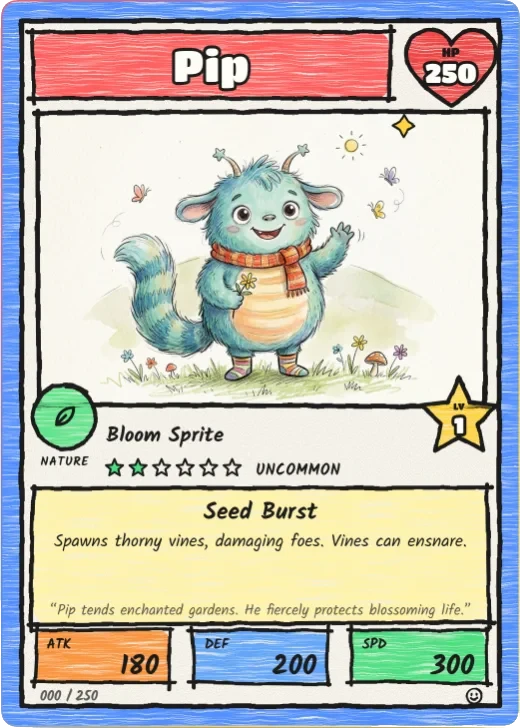
A crayon border, wobbly ink, bubble-letter name, a heart for HP and a star for level.
Marker Monster Pro
A crayon border, wobbly ink, bubble-letter name, a heart for HP and a star for level. -
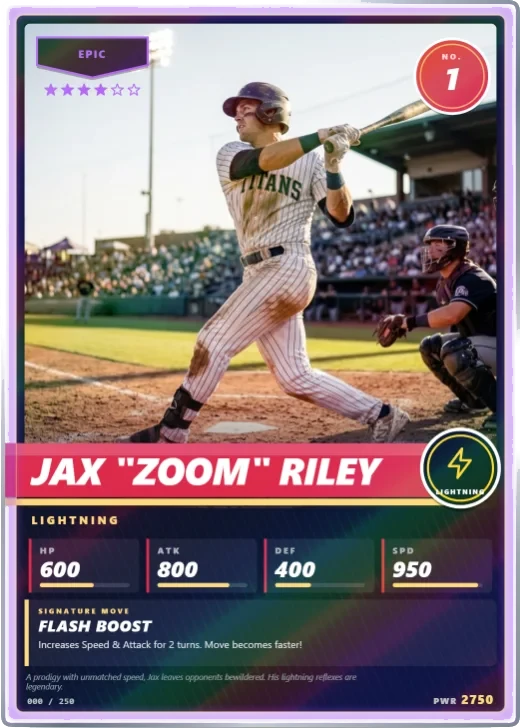 Stadium Star Pro
A white-bordered sports card with a full-width photo, slanted name band, jersey number and stat line.
Stadium Star Pro
A white-bordered sports card with a full-width photo, slanted name band, jersey number and stat line.