Classic card games · Free template
Hero Clash hero battler card template
In short
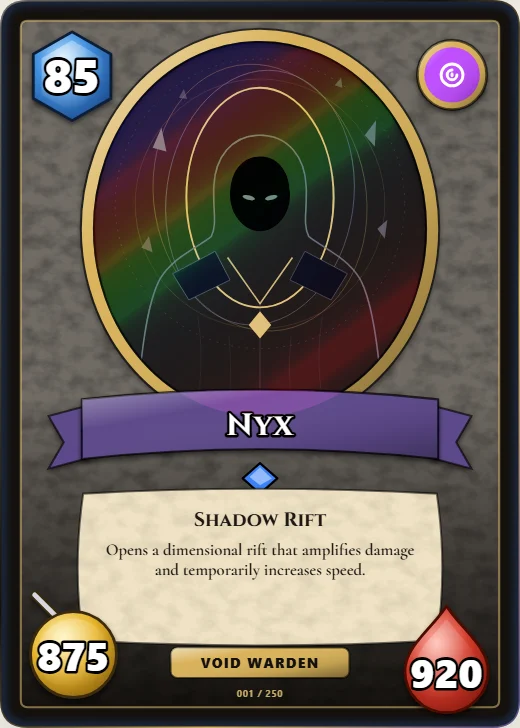
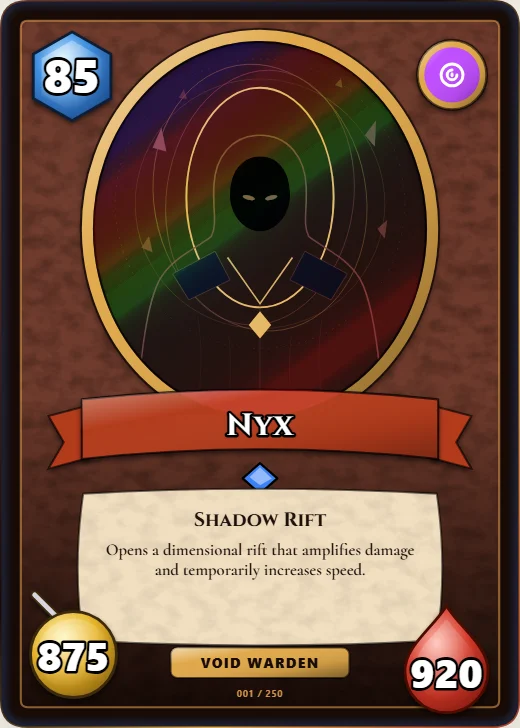
Hero Clash is a free classic card games trading card template in Wallzy: An oval picture, a big cost gem, the name on a ribbon and attack and health in the corners. It prints at the standard 63 × 88 mm, comes with 5 colour palettes and a matching Hero seal back, and every part is a layer you can edit in your browser.
Hero Clash is the hero battler layout of digital card games, drawn as our own design. A carved stone slab holds an oval picture in a thick metal ring, a big blue cost gem sits at the top left and the class badge at the top right.
The name rides a ribbon across the foot of the oval, a rarity gem sits under it, and a parchment box holds the ability and its effect. Attack sits on a gold disc in one corner and health on a red drop in the other.
Free to use. Design and download your card as a picture without an account; a free account keeps it.
Hero Clash at a glance
| Style | Classic card games: The hero battler layout: an oval picture, a big cost gem, the name on a ribbon, attack and health in the bottom corners |
|---|---|
| Plan | Free template |
| Card size | 63 × 88 mm (2.5 × 3.5 in), the standard trading card size |
| Palettes | 5: Granite, Druid, Inferno, Frost, Shadow |
| Matching back | Hero seal |
| Best for | Your own hero battler or deckbuilder; Minions and spells with small numbers; Class sets in five colours |
What is on the card
- Oval picture in a metal ring
- Big cost gem
- Name on a ribbon
- Rarity gem, hidden on Common
- Centred ability text
- Attack and health in the corners
Good for
- Your own hero battler or deckbuilder
- Minions and spells with small numbers
- Class sets in five colours
- Board game and tabletop prototypes
Colours and the back
Hero Clash comes with 5 palettes: Granite, Druid, Inferno, Frost, Shadow. Pick one in one click, or set the seven colours yourself. A Look changes the palette, frame and lettering together.
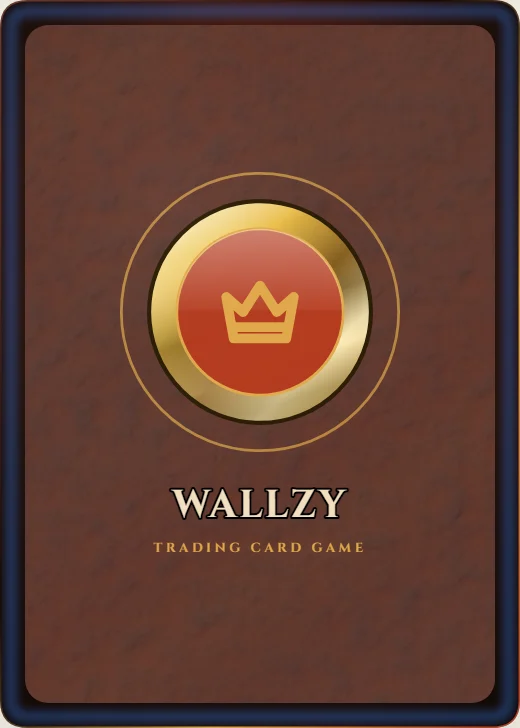
Its matching back is Hero seal, which follows the front's colours and shape. You can choose any other back, and add your set name, a tagline and a logo.
How to use it
- Open it in the editor. The button above starts the editor on Hero Clash, with a sample card already filled in.
- Make it yours. Change the name, stats and words in the Text panel, add your picture in the Picture panel and pick a palette in Style.
- Download or print it. Download a PNG straight away, or with Pro a print PDF with bleed. See printing at home.
Every part of the template is a layer you can move, restyle or hide, so it is a starting point, not a form.
Similar templates
-
 Arcane Classic Free
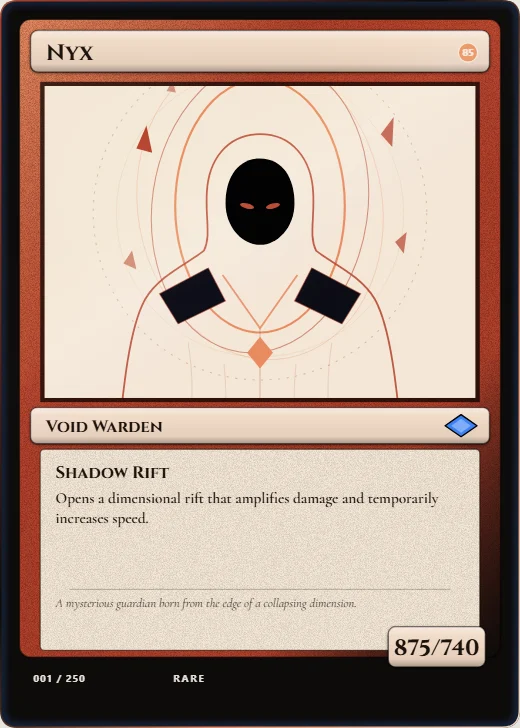
The classic fantasy duel layout: cost symbols by the name, a wide art box, a type line, rules and flavour text, and power and toughness.
Arcane Classic Free
The classic fantasy duel layout: cost symbols by the name, a wide art box, a type line, rules and flavour text, and power and toughness. -
 Arena Monsters Free
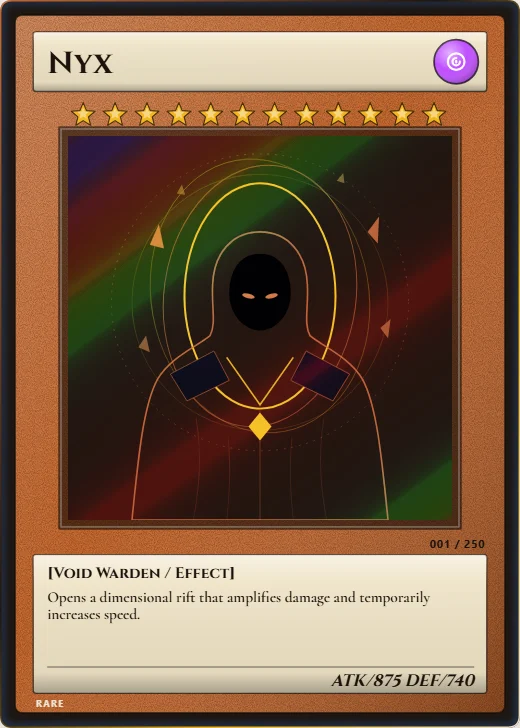
Level stars, an attribute orb, a square picture and ATK and DEF, on a plate whose colour follows the card kind.
Arena Monsters Free
Level stars, an attribute orb, a square picture and ATK and DEF, on a plate whose colour follows the card kind. -
 Critter League Free
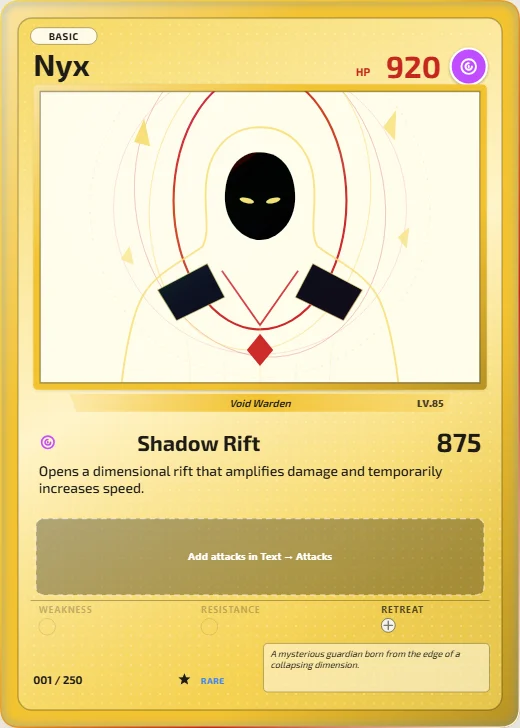
HP and element at the top, a framed picture, attacks with symbol costs, and weakness, resistance and retreat.
Critter League Free
HP and element at the top, a framed picture, attacks with symbol costs, and weakness, resistance and retreat.